BGP Neighbor States Explained: Idle to Established, and Where Each One Sticks
Before two BGP routers exchange a single route, their session climbs six states — Idle, Connect, Active, OpenSent, OpenConfirm, Established — and each one proves a different thing: first that a TCP connection can be built at all, then that both sides agree on the BGP basics. This guide walks the whole climb, shows one clean session end to end, and explains what each stuck state is really telling you — starting with Active, the state everyone misreads.
The short answer
What are the BGP neighbor states? They are the six steps a BGP session climbs, in order, before any routes are exchanged: Idle, then Connect, then Active, then OpenSent, then OpenConfirm, then Established. The first three build a TCP connection. The next two run the BGP handshake itself. Only the last one carries routes. If a neighbour is stuck, the state it is stuck in tells you which step failed — which is why engineers read the state first and guess second.
Think of it like getting into a building with a security desk. Idle is standing outside a locked door. Connect is knocking and waiting for someone to answer. Active is still waiting at the door, trying the handle again. OpenSent is showing your ID badge through the glass. OpenConfirm is the guard nodding and reaching for the door release. Established is being inside, at work. A neighbour stuck in Active has not been rejected by security — it has not reached security yet. Nobody has even answered the door.
The six states, in order
BGP's finite state machine is defined in RFC 4271, section 8. There are exactly six states, and a healthy session passes through all of them in seconds.
1. Idle. The starting state. BGP is refusing to start a connection and is waiting for a start event — the neighbour being configured, the router booting, or a retry after an error. A neighbour that sits in Idle permanently is usually administratively shut down, or was never fully configured in the first place.
2. Connect. The router is waiting for the TCP connection to complete, and is actively trying to build it: a TCP connection to port 179 on the neighbour. If the connection completes, the router sends its OPEN message and moves on. If it fails and the connect-retry timer expires, the router tries again — dropping into Active.
3. Active. Despite the name, this is the waiting-and-retrying state, not the working state. The router is still trying to open the TCP connection and is listening in case the neighbour connects first. A session passes through Active briefly on a healthy startup — the problem is only when it lives there.
4. OpenSent. The TCP connection is up and your OPEN message has been sent. The router is now waiting for the neighbour's OPEN, and will check it when it arrives: BGP version, the neighbour's AS number, its identifier. A serious mismatch here earns a NOTIFICATION message and the session drops back to Idle — it does not sit quietly in OpenSent.
5. OpenConfirm. Both OPENs have been accepted. The router is waiting for a first KEEPALIVE (or a NOTIFICATION, if something went wrong at the last moment). The moment the KEEPALIVE arrives, the session is up.
6. Established. The session is fully up. UPDATE messages carry routes in both directions, KEEPALIVEs keep the hold timer satisfied, and the State/PfxRcd column in show ip bgp summary stops showing a state name at all — it shows a number instead: how many prefixes have been received from that neighbour. That number-instead-of-a-state is the quickest health check in BGP.
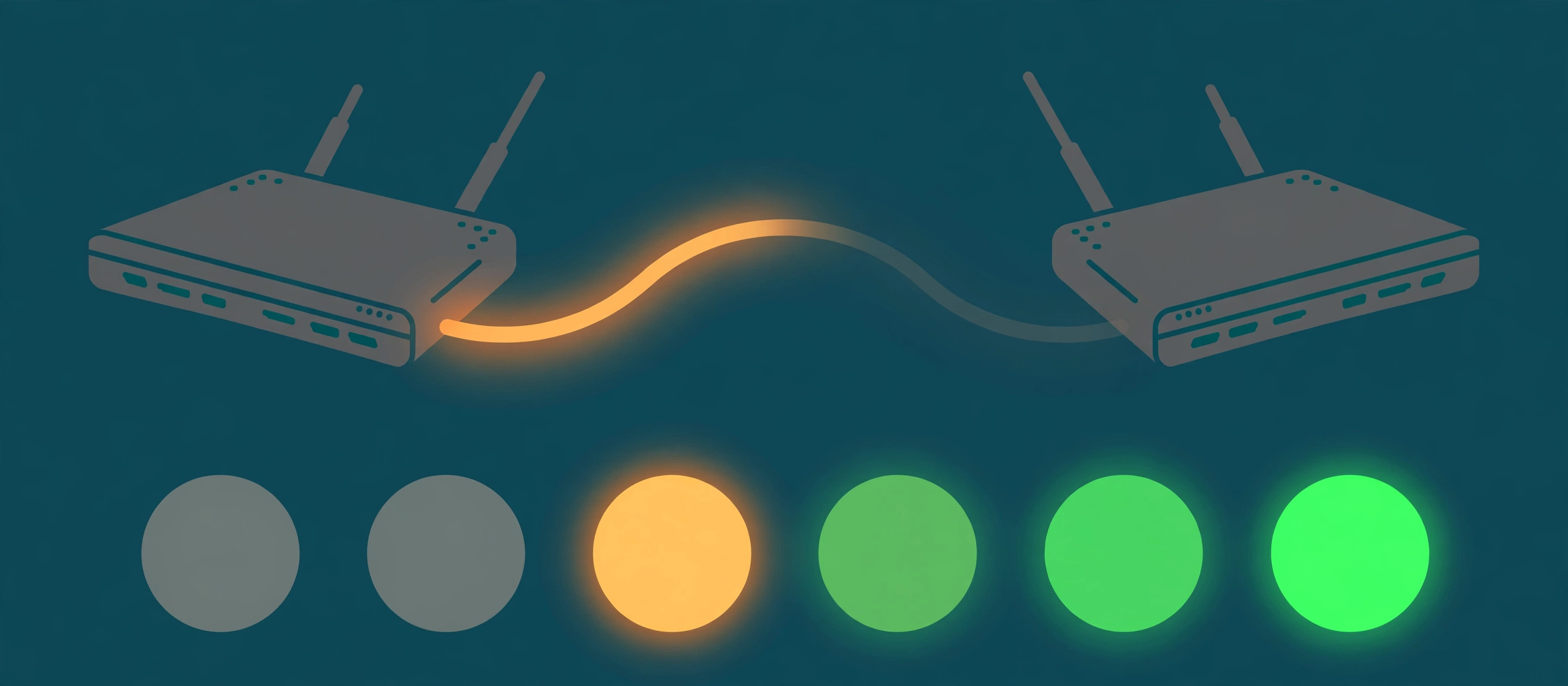
The state chain in order. Everything left of OpenSent is transport: building the TCP connection. The BGP conversation itself only begins at OpenSent.
One clean walk, end to end
Your router, R1, peers with a provider router at 203.0.113.1 — a documentation address, standing in for a real neighbour. You finish the configuration and activate the neighbour. R1 starts in Idle, gets its start event, and moves to Connect: it opens a TCP connection to 203.0.113.1, port 179, sourced from the address you configured as its update source. The provider's router answers, the connection completes, and R1 briefly shows Active on its way through — then sends its OPEN message and settles into OpenSent. The provider's OPEN arrives a moment later: version 4, the AS number you expected, a sensible hold time. R1 accepts it, sends a KEEPALIVE, and moves to OpenConfirm. The provider's KEEPALIVE lands, the state flips to Established, and within seconds the summary shows a growing prefix count where the state name used to be. End to end, a healthy climb is usually over before you can refresh the output twice — which is exactly why a state that does not move is such good evidence.
Where each stuck state points
Stuck in Active is the famous one, and the most misread. It means the TCP connection never completes, so no BGP message has ever been exchanged — AS numbers, communities and route policy are all innocent, because none of them have been tried yet. Work the connection, in this order: does R1 even have a route to the neighbour address? Is something on the path filtering or refusing TCP port 179 — a ping succeeding proves nothing here, because ping is ICMP, a different protocol entirely, and it may also be leaving from a different source address than BGP will use. Is the neighbour address typed correctly, and does the session arrive from the source address the far side expects? A mismatch in the update-source address is the classic planted fault: the far router receives a connection attempt from an address it has no neighbour statement for, and refuses it. And for a neighbour more than one hop away, check the TTL: a directly-connected session sends with a TTL of 1, so a multi-hop eBGP neighbour needs ebgp-multihop set to the real hop count.
Stuck in OpenSent means the door opened but the badge check never finished: TCP is up, your OPEN went out, and the neighbour's OPEN is not arriving or not being accepted. Because a genuine parameter mismatch normally triggers a NOTIFICATION and a drop to Idle, a session that sits in OpenSent is usually losing packets in one direction on the path — or the far end is not really answering as a BGP speaker on that connection. Watch it with the neighbour detail output rather than re-checking your route policy.
Stuck in OpenConfirm is narrower still: both OPENs were accepted, so version and AS are fine, and only the first KEEPALIVE is missing. KEEPALIVEs are tiny and constant — one failing to arrive points back at the path dropping traffic, and the hold timer will shortly reset the session and start the climb again.
Reaching Established and then dropping is a different fault from never getting there, so do not work it with the list above. A session that cycles up and down is usually expiring its hold timer under loss, hitting a maximum-prefix limit, or being reset by the far end — the last reset reason in the neighbour detail output names which.
For the full mid-incident version of the Active case — checks in senior order, what each result rules in or out, and a production-safe fix — work through the companion case: BGP neighbor stuck in Active. If the log line in front of you is a neighbour changing state, the decoder entry for %BGP-5-ADJCHANGE explains what that message does and does not tell you.
Four mistakes that waste the evidence
1. Reading Active as working. In plain English Active sounds healthy. In BGP it means still trying to connect. The only healthy end state is Established — shown as a prefix count, not a word.
2. Troubleshooting BGP before TCP. If the session never left Active, no BGP configuration beyond the neighbour address and source has been tested yet. Fix the connection first; policy debates can wait until a session exists.
3. Declaring the path fine because ping works. Ping tests ICMP reachability, usually from the router's default source address. BGP needs TCP port 179, from the configured update source, to the exact neighbour address. Test the thing that is actually failing — including a TCP connection attempt to port 179 — before clearing the path.
4. Clearing the session before reading the state. A clear throws away exactly the evidence — the stuck state, the attempt count, the last reset reason — that names the failing step. Read first, record the state and the neighbour, then change one thing at a time.
Try it yourself
Open the BGP Toolkit and run a prefix through its lookup and RPKI checks — that is the view you get once sessions are Established and routes are flowing. Then run a two-router configuration pair through the Network Config Verifier and look for the neighbour-address and AS mismatches that stop sessions before they start. The state machine tells you where a live climb stopped; the verifier catches the configuration errors that stop the next one.
Fact-check sources: the six states, their order, and the meaning of each — Idle as the initial state awaiting a start event, Connect awaiting TCP completion, Active retrying the TCP connection, OpenSent awaiting the neighbour's OPEN, OpenConfirm awaiting a KEEPALIVE, and Established exchanging UPDATE and KEEPALIVE messages — are from RFC 4271, section 8, the BGP finite state machine. The stuck-in-Active causes — reachability, port 179 filtering, source-address mismatch, and TTL for multi-hop neighbours — follow Cisco's BGP troubleshooting guidance for neighbours stuck in the Active state.
Related guides
- The BGP states are a checklist, not trivia: Idle, Connect and Active are all about building the TCP connection on port 179 — no BGP message has been exchanged yet. OpenSent and OpenConfirm are where the actual BGP handshake happens, and Established is the only state in which routes flow.
- Stuck in Active means the TCP connection never completes. That is a connection problem, not a BGP problem: no route to the neighbour, port 179 blocked or refused, the session arriving from an unexpected source address, or a multi-hop neighbour reached with a TTL of 1.
- OpenSent means your OPEN message was sent and the neighbour's has not been accepted yet; OpenConfirm means both OPENs were accepted and only a first KEEPALIVE is missing. Both are normally seconds long — a session sitting in either one is losing handshake packets, not negotiating slowly.
- Established is the finished job: UPDATE, KEEPALIVE and NOTIFICATION messages now flow. A session that reaches Established and then drops is a different problem from one that never gets there — read the state before you clear anything, because clearing throws the evidence away.