OSPF Neighbor Flapping Explained: Why an OSPF Adjacency Keeps Going Up and Down
An OSPF neighbor that keeps reaching Full, dropping to Down, and starting over is flapping, and %OSPF-5-ADJCHG is the log line that records every change — with the reason written at the end of the line. The cause is almost never OSPF itself: hellos are being lost until the dead timer expires, an MTU mismatch kills the adjacency in ExStart, the two ends disagree on timers, area, or authentication, or the physical link underneath is bouncing. This guide shows how to read the reason phrase, separate the causes from the log sequence, and fix them in a safe order.
The short answer
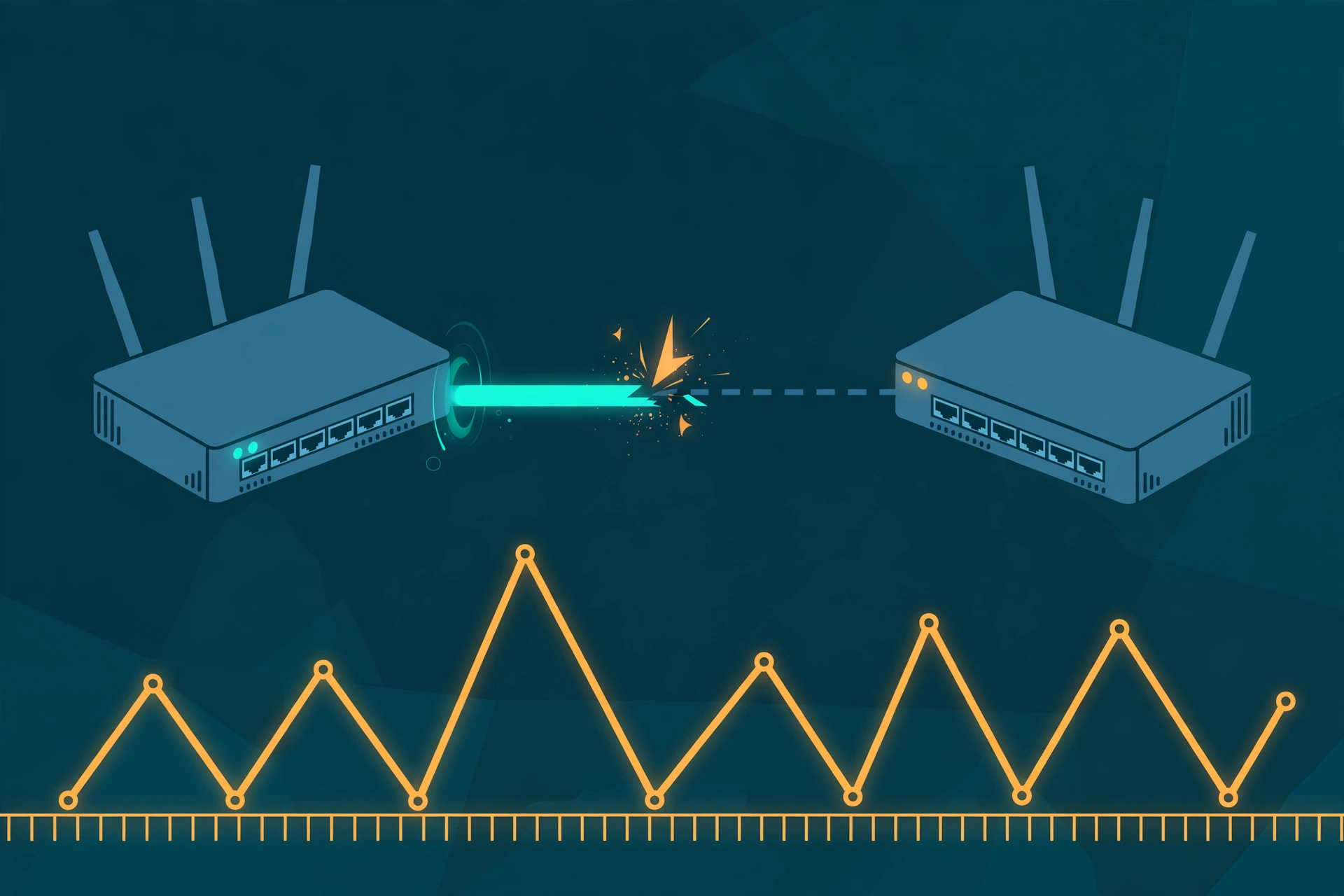
What is OSPF neighbor flapping? OSPF — Open Shortest Path First — is how routers inside one network share maps and work out best routes. Two routers on a link form an adjacency — a partnership for swapping those maps. Flapping means the partnership keeps forming, reaching Full then dropping to Down and starting over. Every change is logged as %OSPF-5-ADJCHG, with the reason written at the end of the line. One drop can be a real failure or a deliberate restart. The same neighbor cycling FULL to DOWN to FULL is flapping, and the cause is almost never OSPF itself: something underneath keeps tearing it down.
Picture two neighbours who check in over the fence every ten seconds. If four in a row go unanswered, each assumes the other has gone and stops sharing news. When replies resume, they must re-introduce themselves and swap everything from scratch. Nothing is wrong with the conversation — the check-ins keep failing to arrive.
How to read %OSPF-5-ADJCHG in plain English
%OSPF-5-ADJCHG: Process 1, Nbr 10.1.1.2 on GigabitEthernet0/1 from FULL to DOWN, Neighbor Down: Dead timer expiredProcess 1 is the OSPF process on this router. Nbr 10.1.1.2 is the neighbor's router ID, on the named interface. From FULL to DOWN is the change: the adjacency was complete, and now it is gone. The most valuable part comes last — the reason phrase. "Dead timer expired" says this router stopped hearing hellos and gave up. A different drop writes a different reason — that phrase is your first clue.
Flapping is a repeating pattern: FULL to DOWN, back up to FULL, then DOWN again. That differs from a neighbor stuck in one state — in Init (seeing hellos but never being seen) or in ExStart (unable to start the map exchange). A stuck neighbor never arrives; a flapping neighbor arrives and keeps being knocked down. The full ladder: OSPF neighbor states explained. For the message itself, see the Error Decoder entry for %OSPF-5-ADJCHG.
The flap cycle: the adjacency forms completely every time, then something underneath knocks it down.
The causes, in working order
1. Dead timer expired, because hellos are being lost. The classic cause. On Cisco IOS broadcast and point-to-point networks, a router sends a hello every 10 seconds by default and declares the neighbor down after 40 seconds of silence — the dead interval: four missed hellos. Congestion can drop or delay them; a failing link can swallow them; a busy neighbor looks identical. Evidence: the reason phrase says "Dead timer expired," often at busy times or regular intervals.
2. MTU mismatch, cycling through ExStart. If the two ends of a link are set to different MTUs, the adjacency repeatedly climbs to ExStart and dies there. The DBD packets opening the map exchange are built to the larger size and never arrive at the smaller end, so the exchange never starts. Evidence: the neighbor never gets past ExStart, and the cycle repeats from that state. Worked as a troubleshooting case: OSPF neighbor stuck in ExStart.
3. Hello and dead-timer mismatch. OSPF requires the hello and dead intervals carried in the hello packet to match on both ends — an agreement check before routers will partner. If one side was tuned for faster detection and the other was not, the hellos are rejected: the adjacency never forms, or drops when the change lands. Evidence: the flap starts when a timer change lands on one side only.
4. A physically flapping link. A failing optic, damaged copper, or a duplex problem (the two ends disagreeing on how the link runs) bounces the interface, and the adjacency follows. Evidence: interface up/down lines at exactly the drop timestamps, plus rising error counters.
5. Area mismatch, or an area change. Neighbors must be in the same area on a link; a hello from a different area is rejected. A misconfiguration usually prevents the adjacency outright, but an area change made mid-incident — one end renumbered, the other not — makes a healthy adjacency fall and stay down, which reads as flapping in the log. Evidence: drops begin at the moment of the change.
6. Authentication mismatch, or a changed key. With OSPF authentication configured, a hello that fails the check is rejected, so the neighbor is never heard and times out — exactly what a one-sided key rotation produces. A rarer cause: duplicate router IDs, which confuse neighbor tables and can make adjacencies unstable. Evidence: drops starting with a key change, or a second router using an ID that should be unique.
How the log sequence separates the causes
No single line separates these causes — the sequence does. A run of "Dead timer expired" reasons points at hello loss — congestion, drops, or a busy neighbor. Repeated drops out of ExStart point at MTU, where packet size is first tested. Flaps whose timestamps line up exactly with interface up/down messages point at the physical link. Flaps beginning right after a configuration change point at whatever it touched: area, timers, or authentication. Read an hour of log as one story first.
A log sequence, separated: reason phrase, state it fell from, and what else logged that minute divide the causes.
Checks in order
- Start with
show ip ospf neighborNote each neighbor's state, and watch the dead time count down and reset as hellos arrive. A dead time repeatedly running to zero is hello loss in front of you; a neighbor cycling ExStart is a different fault. - Collect the %OSPF-5-ADJCHG lines with
show logging. Note the reason phrase on every drop and the state it fell from — that pattern selects the investigation. - Check the interface settings with
show ip ospf interfaceon both ends: hello and dead intervals, network type, area. Both ends must agree on all of them. - Compare MTU on both ends with
show interface. They must match; a neighbor cycling ExStart with mismatched values has named its cause. - Read the interface counters in that same
show interfaceoutput — input errors, drops, resets. Rising counters at flap times mean the link loses the hellos, not OSPF. - Check area and authentication on both ends. Confirm the area matches, and that authentication type and key agree — a one-sided key rotation rejects every hello.
- Line the timestamps up. Compare %OSPF-5-ADJCHG times with interface up/down messages. Drops in the same second as a link-down message are the physical link's fault — check cable, optic, or port before any OSPF setting.
Fixes and prevention, in a production-safe order
Fix the physical link and congestion first — the failing optic, the oversubscribed segment, whatever eats the hellos. Every other fix is decoration while packets still drop. Match MTU deliberately on both ends when you find one: set the same value on both interfaces, as a planned change. Treat ip ospf mtu-ignore — the command that tells OSPF to skip the MTU check — as a temporary diagnostic only: it hides the symptom while the size disagreement stays, waiting to bite larger traffic later.
Align hello and dead timers on both ends in a maintenance window: changing a timer drops the adjacency while the sides disagree, so plan the bounce instead of causing an unplanned one. And never just raise the dead timer to mask hello loss: it repairs no lost hello — it only slows detection of real failures, trading a noisy warning for slower recovery when a neighbor genuinely dies. Then verify: the neighbor stays Full past every previous failure interval, dead time resets steadily, and the %OSPF-5-ADJCHG lines stop.
Fact-check sources: hello and dead interval defaults, the requirement that intervals, area, and authentication match between neighbors, and adjacency behaviour — RFC 2328 and Cisco IOS OSPF configuration documentation.
Related guides
- Flapping means the adjacency itself keeps dying and reforming — %OSPF-5-ADJCHG records each change from FULL to DOWN, and the reason phrase at the end of the line is the first clue, worth more than any single drop.
- The causes separate by evidence: 'Dead timer expired' means hellos stopped arriving (Cisco IOS defaults: a hello every 10 seconds, a dead interval of 40 seconds on broadcast and point-to-point networks); repeated drops out of ExStart mean an MTU mismatch; drops that line up with interface up/down messages mean the physical link; drops that start right after a config change mean area, timers, or authentication.
- OSPF requires the two ends of a link to agree: the hello and dead intervals carried in the hello packet must match, the area must match, and authentication must match — any disagreement prevents or drops the adjacency.
- Fix the link and the loss first, match MTU deliberately on both ends instead of hiding the symptom with ip ospf mtu-ignore, and never just raise the dead timer to mask hello loss — a longer timer only makes real failures slower to detect.