EIGRP Neighbor Flapping Explained: Why an EIGRP Adjacency Keeps Going Up and Down
An EIGRP neighbor that keeps forming, dropping, and forming again is flapping, and %DUAL-5-NBRCHANGE is the log line that records every change — with the reason written right after the neighbor address. That reason separates the failures: holding time expired means total silence, retry limit exceeded means reliable packets went unacknowledged, and a restarting neighbor or stuck-in-active fallout writes its own signature. This guide reads the reason first, works the causes in order — a dropping link, lost hellos, one-sided changes — and fixes them in a production-safe order.
The short answer
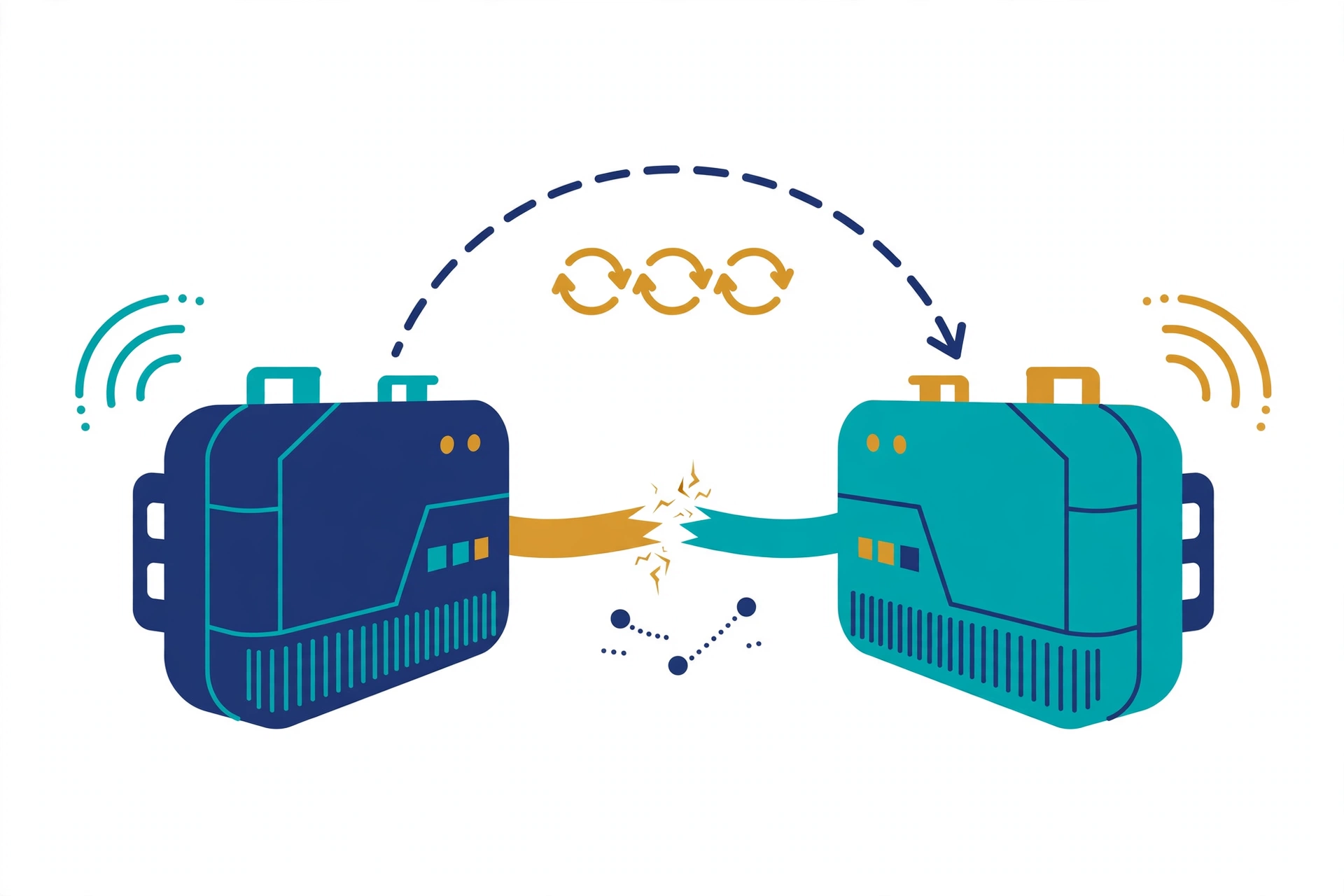
An EIGRP neighbor flaps because something keeps breaking the agreement holding the adjacency up: either no EIGRP packet arrives within the hold time, or a reliable packet is never acknowledged. EIGRP — Enhanced Interior Gateway Routing Protocol — is how routers inside one organisation swap routes. Neighbors on a link keep the partnership alive with hello packets. When it dies and reforms over and over, %DUAL-5-NBRCHANGE records every change — and the reason after the neighbor address tells you which failure happened. The protocol is rarely the fault; the link, the delivery, or the neighbor is.
Picture two colleagues in separate buildings who must check in by phone regularly. If one goes silent for the agreed window, the other concludes they have gone home and closes the shared project. The second failure is different: a colleague who answers but never confirms the important messages — the "reply required" ones — until the sender gives up resending and closes the project anyway. Silence and unacknowledged messages end the partnership either way, but point at different problems — and EIGRP's log keeps them apart.
How to read %DUAL-5-NBRCHANGE
%DUAL-5-NBRCHANGE: EIGRP-IPv4 100: Neighbor 10.1.1.2 (GigabitEthernet0/1) is up: new adjacency
%DUAL-5-NBRCHANGE: EIGRP-IPv4 100: Neighbor 10.1.1.2 (GigabitEthernet0/1) is down: holding time expired
The line names the process and autonomous system (100), the neighbor address, and the interface. Then the part worth reading slowly: is up: new adjacency means a partnership just formed — normal after a start-up or fix. A down line ends with a reason phrase, the first clue in every flap. The Error Decoder entry walks through %DUAL-5-NBRCHANGE line by line, and EIGRP neighbor states and DUAL explained covers the routes behind them.
| Reason in the log | What it proves | What to check first |
|---|---|---|
| holding time expired | No EIGRP packet arrived during the whole hold time — on most links, no hello for 15 seconds against hellos every 5. | The link: interface errors, congestion, one-way delivery. |
| retry limit exceeded | A reliable packet — an Update, Query, or Reply needing an acknowledgment — was retransmitted repeatedly without being acknowledged. | show ip eigrp neighbors: Q Cnt stuck above 0, SRTT rising. |
| peer restarted / resync | The neighbor restarted the relationship — its EIGRP process restarted, the router reloaded, or the adjacency was reset. | The far router: uptime, its logs, any change at that time. |
| No line at all — the neighbor never forms | Mismatched K values, AS number, or authentication usually stops a neighbor forming at all, rather than cycling an established one. | Compare the configuration on both ends first. |
Hellos stop, the hold timer runs out, the down line names why.
The causes, in working order
1. A physically flapping or erroring link. A failing cable, dying optic, or erroring port drops packets at random — and hellos are packets. Enough lost in a row and the hold time expires. Evidence: interface up/down lines and error counters rising at flap times.
2. Hello and hold delivery problems. The link stays up, but hellos are lost in congestion or delivered one way only — this router hears the neighbor, but its own hellos never arrive, so the far side declares the flap. Evidence: downs at busy times.
3. Retry limit exceeded. Updates, Queries, and Replies are sent reliably: each must be acknowledged and is retransmitted until it is. If acknowledgments stop, the retransmissions run out and the neighbor is reset. Evidence in show ip eigrp neighbors: Q Cnt stuck above 0, SRTT (smoothed round-trip time) climbing.
4. The neighbor itself restarting. A router that reloads, or whose EIGRP process restarts, takes every adjacency down and brings them back as it recovers. Evidence: short uptime in the neighbor table and a matching reload message in the far router's log.
5. A one-sided change. Timers, K values, or authentication changed on one end during a change window make a healthy adjacency fall as the change lands. Evidence: the first down matches the change record; the configurations no longer agree.
6. Stuck-in-active fallout. When a route is lost with no backup, DUAL sends Queries and the route goes Active. If not every Reply arrives within about 3 minutes, the route is stuck in Active: %DUAL-3-SIA is logged and the unresponsive neighbor is cleared. An SIA event causes a flap while being a symptom — investigate it as a consequence, not the first cause.
How the log sequence separates the causes
One down line is an event; an hour of them is a diagnosis. The same pair at regular intervals suggests a timer or scheduled job; random intervals, a link losing packets. One neighbor flapping points at that link; many on one interface together, at the interface; many interfaces at once, at this router itself. A repeating reason is one fault seen many times; a changing reason — hold time one hour, retry limit the next — means delivery is degrading, or two faults share the link.
Four reasons, four investigations — the log did the first sort.
Checks in order
- Read the reason word. Pull the %DUAL-5-NBRCHANGE lines and note each down's reason; it decides which checks matter.
- Check the interface on both ends. Link state, input and CRC errors, resets in
show interface. Counters rising at flap times name the physical layer. - Read
show ip eigrp neighbors. Hold counts down as packets arrive; Uptime shows the adjacency's age; SRTT climbing and Q Cnt stuck above 0 prove packets go unacknowledged. - Test for one-way delivery. Confirm each side sees the other's hellos — a neighbor present on one router and absent on the other means one-way traffic.
- Verify the agreement settings match. Same AS number, K values, and authentication on both ends — these usually prevent formation rather than flap an established neighbor.
- Check the far router. Uptime, reload history, and EIGRP process restarts.
- Look for stuck routes.
show ip eigrp topology activelists routes waiting on Replies; one sitting Active is SIA fallout.
Fixes and prevention, in a production-safe order
Production impact first: every fix below touches a live link or routing process, and will drop the adjacency — and the routes behind it — while you work. Schedule intrusive steps in a maintenance window, confirm another path or an accepted outage, and know your rollback first.
Fix the link first. Replace the failing cable or optic, move off the erroring port, clear the congestion eating hellos. Align the configuration deliberately: timers, K values, and authentication the same on both ends, in the window, as one change. Limit the query scope: summarise at boundaries and configure edge routers as EIGRP stubs, keeping Queries local and stuck-in-active rare. And never raise the hold timer just to mask hello loss — it hides a dropping link instead of fixing it, and makes a dead neighbor slower to detect. Verify: uptime climbs past every previous failure interval, Q Cnt sits at 0, and the NBRCHANGE lines stop.
Fact-check sources: hello and hold defaults (5 and 15 seconds on most links), %DUAL-5-NBRCHANGE reasons, retry behaviour, and stuck-in-active timing — RFC 7868 and Cisco IOS EIGRP troubleshooting documentation. Example timestamps are this article's own illustrations.
Related guides
- The first clue is the reason word after the neighbor address in %DUAL-5-NBRCHANGE: holding time expired, retry limit exceeded, and peer restarted are different faults, and the log has already separated them before you touch a setting.
- Holding time expired means no EIGRP packet of any kind arrived within the hold time — by default on most links, hellos every 5 seconds and a hold time of 15 seconds, so roughly three missed hellos ends the adjacency.
- Retry limit exceeded means a reliable EIGRP packet — an Update, Query, or Reply that needs an acknowledgment — was retransmitted without ever being acknowledged; look for Q Cnt stuck above 0 and a rising SRTT in show ip eigrp neighbors.
- Never raise the hold timer to mask a flapping neighbor: it hides a dropping link instead of fixing it. Repeated flaps also push routes Active, and a route waiting about 3 minutes for Replies ends in stuck-in-active, which clears the neighbor again.