EtherChannel Mismatch Explained: Why a Port-Channel Won't Bundle
A port-channel only forms when every member port is configured identically — same negotiation mode, same speed and duplex, same VLAN and trunk settings, at both ends of the cables. When one port disagrees, the switch refuses to bundle it and logs %EC-5-CANNOT_BUNDLE2. This guide walks the mismatch checklist in order, shows the safe fix sequence, and explains what a healthy bundle looks like in show etherchannel summary.
The short answer
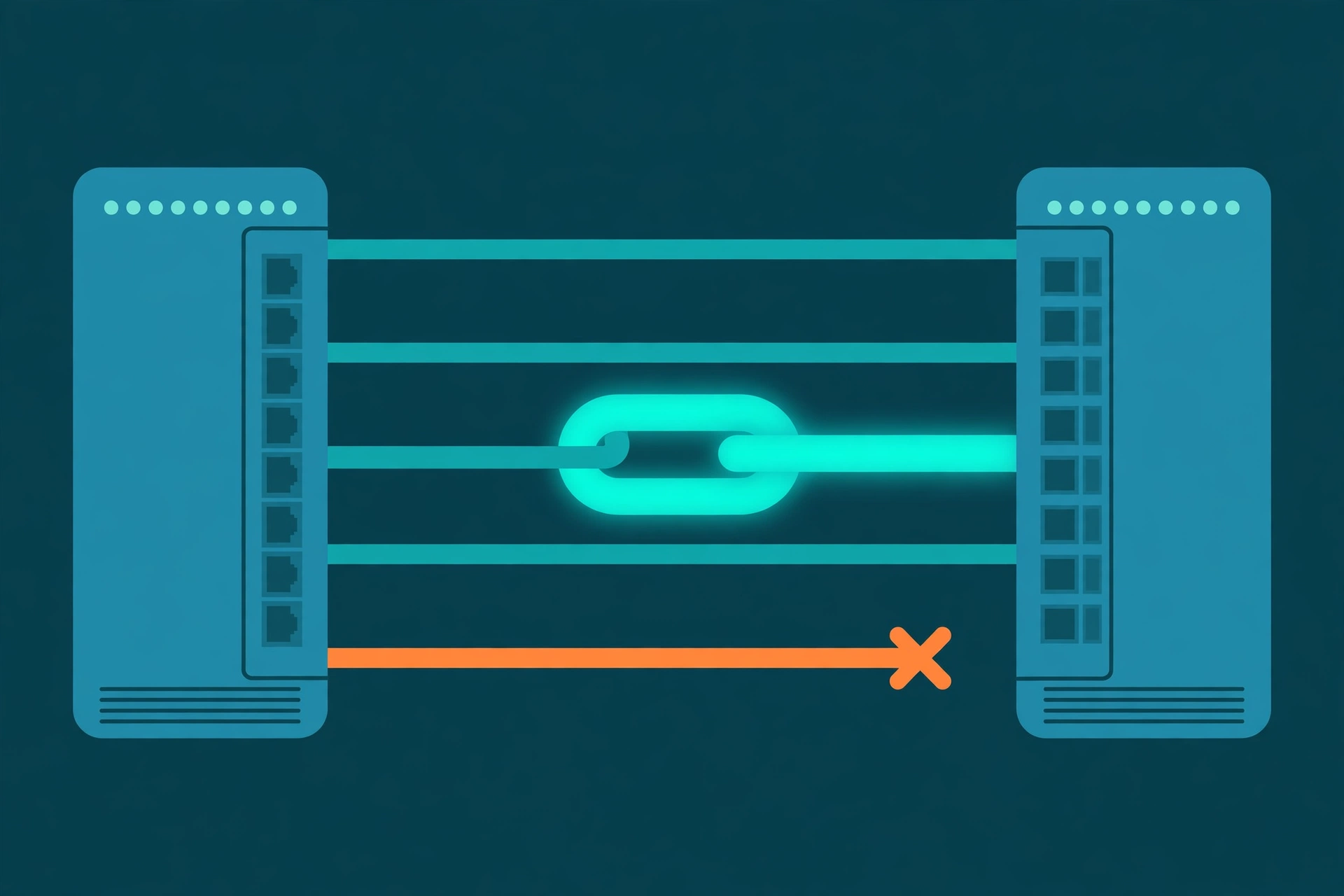
What is an EtherChannel mismatch? An EtherChannel — also called a port-channel — treats several cables between two switches as one logical link: more bandwidth, and a spare path if a cable fails. It only forms when every member port agrees on its configuration. Picture a rowing crew: the boat moves as one only when every rower pulls in the same rhythm, facing the same direction, in the same boat — one rower out of time and the boat does not move as a crew at all. When one port disagrees, the switch refuses to bundle it and logs %EC-5-CANNOT_BUNDLE2: the port was not bundled because its parameters do not match the other ports in the port-channel.
This is the troubleshooting companion to EtherChannel and LACP Explained, which covers bundles that form — not a repeat of it. If the log line is all you have, the decoder entry for %EC-5-CANNOT_BUNDLE2 gives these checks in quick-reference form.
Why the switch refuses instead of using the ports that match
A bundle is one logical interface: the switch sends each conversation down one member as if it were a single cable. If three members are trunks allowing a VLAN and the fourth is not, traffic for that VLAN vanishes whenever it rides the fourth cable. So differing ports are left out, shown as suspended or standalone.
The refused port is up — its settings, not the cable, disagree.
The mismatch checklist, in order
Negotiation first — no settings comparison matters if the two ends speak different protocols. Then the physical, VLAN and quieter settings, checking both switches at every step. show etherchannel summary shows which ports bundled; show running-config interface shows what to compare.
Each check compares the refused port against one that already bundles.
Check 1 — negotiation mode: are the two ends speaking the same language?
A port joins three ways: it negotiates with LACP or PAgP, or is forced with static on mode, which never negotiates. Within one protocol, at least one side must start: LACP active starts, passive only answers; PAgP desirable and auto follow the same pattern. The pairs that can never bundle are the cross ones — LACP against PAgP share no language, and on against LACP or PAgP fails: one side never negotiates, the other waits for a negotiation that never comes.
| This end | Other end | Result |
|---|---|---|
| LACP active | LACP active or passive | Bundles |
| LACP passive | LACP passive | Never — both wait |
| PAgP desirable | PAgP desirable or auto | Bundles |
| PAgP auto | PAgP auto | Never — both wait |
| LACP (any mode) | PAgP (any mode) | Never — different protocols |
| on | on | Bundles — both forced |
| on | LACP or PAgP | Never — one forces, one waits |
Matching means the same protocol family at both ends, in a bundling pair. Confirm with show lacp neighbor or show pagp neighbor: a healthy member lists its partner; an empty table means no negotiation is happening.
Check 2 — speed and duplex: identical on every member
Every member must run at the same speed and duplex — duplex being whether a port can send and receive at once (full) or only one way at a time (half). One member hard-set slower than the rest, or left at half duplex, will not bundle: one link cannot have two speeds. Compare the member rows in show interfaces status on both switches, and fix by agreement — auto everywhere, or the same hard setting everywhere.
Check 3 — VLAN and trunk settings: same mode, same lists, same native VLAN
All members must be the same kind of port: every one an access port in the same access VLAN, or every one a trunk. On trunks, the allowed VLAN list and the native VLAN (the one VLAN whose frames cross without a label) must match. A member added with a shorter allowed list, or a native VLAN changed at one end only, is refused. Compare with show interfaces trunk and show interfaces switchport.
Check 4 — the quieter settings: port security, storm control, MTU, spanning tree
Where the platform enforces them, also compared: port security (the per-port guest list of allowed device addresses), storm control (limits on broadcast traffic), MTU (the largest frame the port accepts), and spanning-tree port settings. These rarely appear in the log, so diff the members directly: show running-config interface for a bundled port beside the refused one — whatever line differs is your suspect list.
Check 5 — the other switch: a bundle has two ends
The switch that logs the error noticed the disagreement; the wrong setting is just as often on the far end. Each switch can look internally consistent while the pair disagrees across the cable — a mode changed on one switch during a migration, a corrected trunk list applied to one box only. Compare the two ends of each cable as pairs.
The safe fix: one template, one port at a time
Pick a working, bundled member and treat its configuration as the template — it provably agrees with the port-channel, because it is in it. Shut the mismatched ports with shutdown; align every setting with the template — mode, speed, duplex, port mode, allowed and native VLANs, the quieter features; then no shutdown one port at a time, checking show etherchannel summary after each. The flag that matters is P, bundled in port-channel. I (standalone), s (suspended) or D (down) mean that port is still not in.
Production warning: changing a live port-channel can drop traffic on that link while members leave and rejoin. Use a change window or the standby path first, and keep a management path that does not cross the bundle.
Verify: what a healthy bundle looks like
show etherchannel summary: the port-channel is in use and every member shows P. show interfaces port-channel: the logical interface is up, its bandwidth the combined bandwidth of the members. show lacp neighbor — or show pagp neighbor on a PAgP bundle: every member lists the partner it negotiated with, proving both ends agreed. And the log stays quiet.
Three mistakes that cause most mismatches
Mixing LACP and PAgP during a migration. Moving a switch pair to LACP one switch at a time has no overlap: the ends speak different protocols until the second switch follows. Migrate both ends in one window.
Copying the fix to only one end. Every local check passes and the bundle still refuses, because the disagreement lived across the cable. An EtherChannel fix is a two-switch change until proven otherwise.
Adding a port from an old template. A new member built from a snippet written before the trunk's allowed VLAN list grew is one VLAN short — and almost right is what %EC-5-CANNOT_BUNDLE2 refuses.
Try it yourself
Catch the disagreement in configuration first with the free Network Config Verifier — paste both switches' configurations and compare interface settings side by side — and map which ports join which switches with the free Config-to-Topology Mapper.
Fact-check sources: the meaning of %EC-5-CANNOT_BUNDLE2 — Cisco IOS system message documentation. Mode-pair rules and the identical speed, duplex and VLAN requirements — Cisco Catalyst EtherChannel configuration guides. The P, I, s and D flags — the legend in show etherchannel summary itself.
Related guides
- %EC-5-CANNOT_BUNDLE2 means a port was not bundled into its port-channel because its settings do not match the other member ports. The switch is refusing deliberately: a bundle is one logical link, and a member that disagrees on VLANs, speed or negotiation mode would make that link behave differently depending on which cable a conversation happened to use.
- Some negotiation pairs can never bundle: LACP on one side and PAgP on the other never understand each other, and static on mode mixed with LACP or PAgP fails because the on side never negotiates while the other side waits for a negotiation that never comes. LACP active/passive and PAgP desirable/auto are the pairs that work.
- Beyond the mode, every member must match on speed and duplex, on port mode (all access in the same VLAN, or all trunks with the same allowed VLAN list and the same native VLAN), and — where the platform enforces it — on port security, storm control, MTU and spanning-tree port settings. The mismatch is just as often on the far switch as on the one logging the error.
- The safe fix is alignment from a known-good template: pick a bundled member's configuration, shut the mismatched ports, align every setting, then no shut one port at a time and watch show etherchannel summary until each member shows the P flag — bundled in port-channel. On a live link, do it in a change window or on the standby path first.