UDLD Explained: The Watchdog That Catches One-Way Links
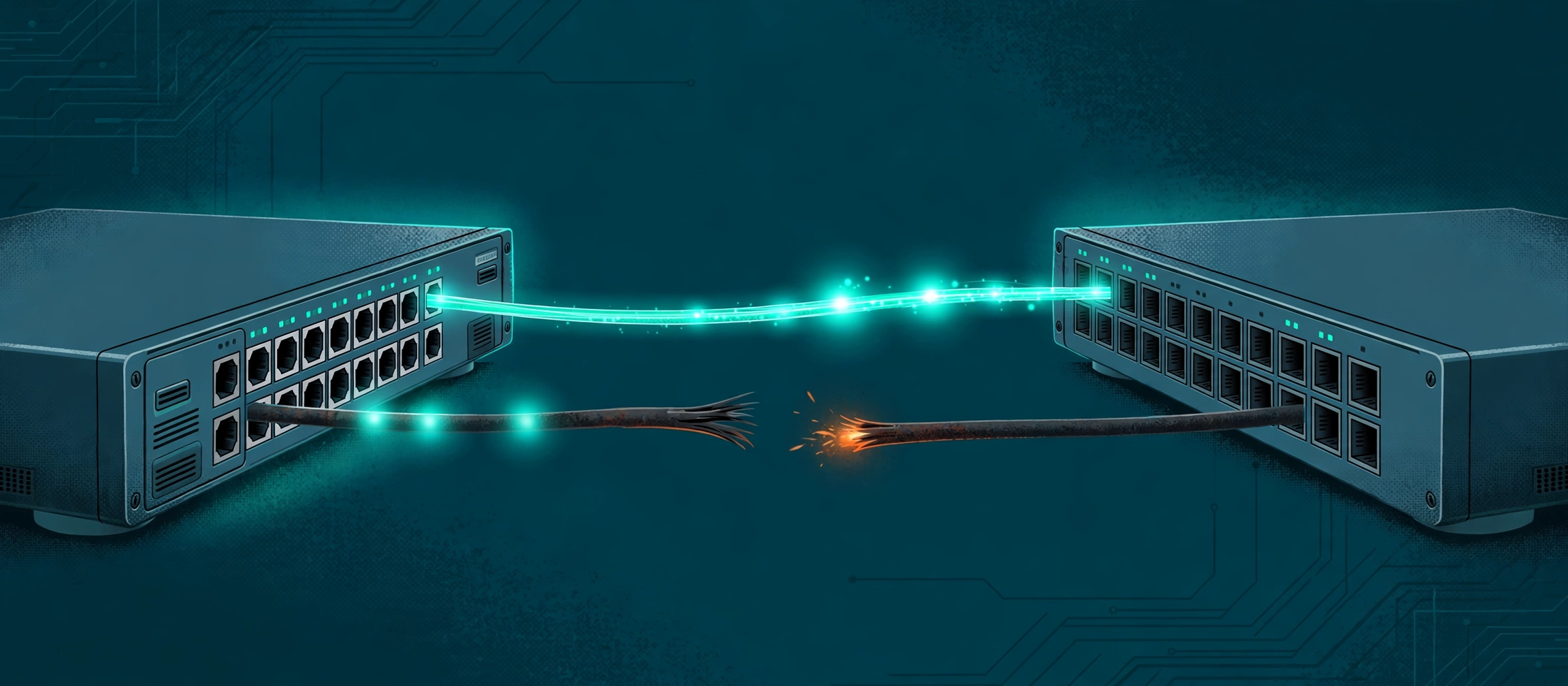
Most links fail cleanly: down is down, and every light goes out. A unidirectional link fails dishonestly — it works in one direction and is dead in the other, so link lights stay green while traffic pours into a black hole and spanning tree can be fooled into opening a loop. UDLD is the watchdog Cisco built for exactly this fault: it makes each switch prove, continuously, that its neighbour can hear it and it can hear its neighbour. This guide explains the echo test, the honest difference between normal and aggressive mode, and what to do when a port logs %UDLD-4-UDLD_PORT_DISABLED.
The short answer
What is UDLD? UDLD (UniDirectional Link Detection) is a Cisco Layer 2 protocol that continuously checks that a link between two switches really works in BOTH directions. A link made of fiber uses two separate strands — one to send, one to receive — and one strand can break, get dirty, or get plugged into the wrong port while the other keeps working. The link then looks up, the lights stay green, and half the conversation silently vanishes. UDLD catches that: each switch port sends small messages naming itself and the neighbours it can hear, and a port that stops seeing its own name echoed back knows the round trip is broken. In the cases UDLD is armed for, it shuts the port down itself and logs %UDLD-4-UDLD_PORT_DISABLED — deliberately breaking the link completely rather than leaving it half-alive.
Think of a phone call where one person's microphone dies. They can hear you perfectly; you hear nothing from them; and because the call is still connected, neither phone shows an error. Both people keep talking. That is a unidirectional link. A dead link is honest — the call drops and everyone knows. A one-way link lies, and on a network the lie has two costs: traffic forwarded into a direction that goes nowhere (a black hole), and safety systems that make decisions based on what they can no longer hear — which is where spanning tree comes in, below.
Why a one-way link is worse than a dead link
Start with the black hole, because it is the simpler harm. A switch with a one-way link still believes its neighbour is there — its own transmit strand works, so it keeps sending frames, routing adjacencies and replies into a direction from which nothing can return. Users see the strangest symptom in networking: some things work (anything that only needs the working direction, or that takes another path back) while sessions that need a reply hang and die. Ping in one direction can even succeed across a pair of one-way faults. Nothing is down, everything is degraded, and the link counters on the sending side look busy and healthy.
The second harm is worse. Spanning tree keeps redundant links safe by having one port block, and that port stays blocking because it keeps receiving BPDUs — the messages that prove a better path exists. Break the direction those BPDUs travel in, and the blocking port hears silence. Silence, to spanning tree, means the better path is gone, so after its timers age out it does the correct-by-design thing: it unblocks and starts forwarding. Now both paths forward, frames circle forever, and the network drowns in a broadcast storm — caused, at root, by one strand of glass. This is the exact chain the bridging-loop troubleshooting case walks through. A dead link could never do this: spanning tree hears about a dead link instantly and reconverges cleanly. The one-way link's whole danger is that it hides.
Layer 1 (the physical link) reports what it can see: light arriving, a live connection. Only a protocol that checks the round trip can catch a failure that lives in just one direction.
How UDLD catches it: the echo test
UDLD's mechanism is elegantly small. On every port where it is enabled, a switch periodically sends a UDLD message — by default every 15 seconds — containing two things: its own identity (device and port) and the identities of every UDLD neighbour it can currently hear on that port. Each side therefore gets to check a round trip, not just a signal. If switch A receives B's message and finds its own name listed in it, A has proof of a full circle: A reached B (B heard A, and wrote A's name down) and B reached A (the message itself arrived). If A's name stops appearing in B's messages — or B's messages stop arriving at all after a relationship was established — the circle is broken in one direction, whatever the link light claims.
Two properties of that design matter in practice. First, both ends must run UDLD: the echo only exists if the neighbour is also sending UDLD messages and echoing what it hears, so UDLD protects links between devices that both support and enable it (it began as a Cisco protocol; check both ends, including any non-Cisco end, before assuming a link is covered). Second, UDLD is off by default — globally and per port — so a network only gets this protection where someone deliberately turned it on. It works alongside the physical layer rather than replacing it: Layer 1 mechanisms such as auto-negotiation handle electrical and optical signalling faults, while UDLD does the jobs they cannot — verifying the neighbour's identity and proving the strands land on the correct ports.
Normal vs aggressive: the difference that actually matters
UDLD has two modes, and the gap between them is the most misunderstood part of the protocol — engineers routinely believe normal mode will shut down any one-way link. It will not.
Normal mode (the default when UDLD is enabled) is aimed at misconnected fiber: strands plugged into the wrong ports, so a port hears a neighbour that is not the neighbour its other strand is talking to. The echo test exposes the identity mismatch, UDLD declares the link unidirectional, and it err-disables the port. But if the strands are connected to the correct ports and traffic simply flows one way — a strand quietly degrading, an optic failing in one direction — normal mode relies on Layer 1 to notice, and when Layer 1 does not (the port still shows up), UDLD marks the link state undetermined and does not disable the port. Read that again before you rely on it: in normal mode, the classic broken-strand one-way link can sit there, undetermined and forwarding.
Aggressive mode covers that gap, which is why it exists. It does everything normal mode does, and adds the one-way-traffic cases: one strand disconnected, one end up while the other is down, traffic flowing in a single direction on a correctly cabled point-to-point link (fiber or copper). The trigger is the established relationship: once a port has a confirmed bidirectional UDLD neighbour and the messages stop coming, aggressive mode actively tries to re-establish contact — reinitiating the link — and if the neighbour cannot be brought back, it err-disables the port. That is the behaviour engineers picture when they picture UDLD. Cisco's own guidance points the same way: with default timers, even normal-mode UDLD reacts fast enough to shut a miswired link before a spanning-tree blocking port (default forward-delay timers) would transition to forwarding — but for links where no one-way failure is acceptable at all, aggressive is the mode that was built for them. Whichever mode you choose, configure the same mode on both ends of the link.
What %UDLD-4-UDLD_PORT_DISABLED is telling you
The message that brings most engineers to this page is the one in the site's decoder entry for %UDLD-4-UDLD_PORT_DISABLED: UDLD disabled interface Gi1/0/49, unidirectional link detected. Read it as a success report, not a failure: the watchdog fired, the port is err-disabled, and a possible black hole or spanning-tree loop was cut off before it formed. The message names the port — that is where your fault lives, or at least where its symptom was caught. The decoder lists the causes engineers actually find, and all three are physical: one strand of the fiber pair is damaged, dirty, or unplugged; transmit and receive strands were swapped or cross-patched during rack work; or an optic is failing in one direction — receiving happily while no longer transmitting, or the reverse. UDLD messages are almost never a software mystery; they are a glass-and-connectors problem wearing a syslog costume.
The fix, in order — fiber first, re-enable last
Step 1 — confirm what UDLD sees. Run show udld neighbors and look at the port's entry: a healthy link shows its neighbour as bidirectional; the failed port's entry will be missing or one-sided. show udld Gi1/0/49 shows the port's mode and state, and show interfaces Gi1/0/49 confirms the err-disabled state and error counters before you touch anything. Note the neighbour identity UDLD expected — if the strands were cross-patched, the messages may name the wrong port entirely, which is your diagnosis in one line.
Step 2 — fix the physical cause. Inspect and clean the fiber (a surprising share of one-way links are a dirty connector on one strand), reseat both connectors, and if transmit and receive were crossed during rack work, swap the strand pair at one end. If the one-way behaviour survives a known-good patch lead, replace the optic — remember the fault can be a transmitter dying on one side, which no amount of cleaning fixes. Do not skip ahead: a port re-enabled onto a still-broken strand simply err-disables again, and in the window between, the one-way link is live and lying.
Step 3 — re-enable, then verify the echo. Bring the port back with shutdown / no shutdown, or reset every UDLD err-disabled port at once with udld reset. Then prove the repair with show udld neighbors: the entry must show bidirectional, and it should stay that way across several message intervals — not just appear once. Automatic recovery exists (errdisable recovery cause udld, with a recovery interval), and it has a real use on links you cannot reach quickly; treat it with respect, because on a link whose strand is still broken it will cycle the port up, one-way, down, up — flapping the very fault UDLD contained.
UDLD vs Loop Guard: cousins, not substitutes
Engineers often meet UDLD in the same breath as Loop Guard, because both guard against loops born from one-way trouble — the site's bridging-loop case recommends them together, as complements. The difference is what each one watches. Loop Guard is a spanning-tree feature: it watches BPDUs arriving on root and alternate ports, and if they stop, it blocks the port (loop-inconsistent state) instead of letting spanning tree promote it to forwarding. It recovers by itself when BPDUs return, and it also covers a failure UDLD cannot see — a neighbour whose software stops sending BPDUs on a physically healthy link. UDLD is a link feature: it watches the physical neighbour relationship itself, on any enabled point-to-point link, whether or not spanning tree cares about that port — and it also catches the mis-patched strand at the moment the link comes up, before any BPDU story begins. Neither replaces the other: UDLD proves the wire, Loop Guard supervises the protocol that trusts the wire. The decoder entry for %SPANTREE-2-LOOPGUARD_BLOCK covers the Loop Guard side of the pair.
Where to turn it on
The standing pattern on Cisco switching is short: enable UDLD on point-to-point links between switches — the fiber uplinks and interconnects where a one-way fault would black-hole traffic or feed a spanning-tree loop — with aggressive mode on the links that must never run one-way, and normal mode where the mis-patching guard is what you mainly want. Match the mode on both ends, enable it deliberately (nothing is on by default), and fold the err-disabled port into your normal err-disable routine alongside the other causes in the port err-disabled troubleshooting case: a UDLD-disabled port is a found fault, not a nuisance alarm, and it stays down until the strand pair is proven good. For the switching fundamentals underneath all of this — trunks, spanning tree, and why blocking ports exist — read VLANs, Trunks, and Spanning Tree.
Try it yourself
Check a pair of switch configurations for link-guard coverage before the fault does it for you with the free Network Config Verifier — paste the configs from both ends of a link and review them side by side — and map which switch connects to which with the free Config-to-Topology Mapper, so you know exactly which uplinks deserve aggressive mode. And when the log line is what you have, open the decoder entry for %UDLD-4-UDLD_PORT_DISABLED and work its checks in order — neighbours first, fiber second, re-enable last.
Fact-check sources: the echo method (each UDLD message carries the sender's device/port identity plus the neighbour identities it hears; a port that stops seeing its own identity echoed treats the link as unidirectional), the normal-mode scope (misconnected fiber strands; a correctly connected one-way link is marked undetermined and not disabled), aggressive mode's added coverage (one-way traffic, one strand disconnected, one end up and the other down; attempts to re-establish, then err-disables), the requirement that both connected devices support and enable UDLD, and the note that non-aggressive UDLD at the default 15-second message interval reacts before a blocking port transitions with default spanning-tree timers — Cisco technical note 10591-77, Configure the UDLD Protocol Feature. Defaults (UDLD disabled globally and per port, aggressive off, message time 15 seconds), the same-mode-on-both-ends instruction, udld reset, and errdisable recovery cause udld — Cisco Catalyst UDLD configuration guides. The %UDLD-4-UDLD_PORT_DISABLED sample message, its three listed causes, and its two checks (show udld neighbors; show interfaces) are quoted from the site's own decoder entry, sourced from Cisco UDLD documentation. Loop Guard's behaviour (BPDU loss on root/alternate ports leads to loop-inconsistent blocking, automatic recovery, and its complementarity with UDLD) follows Cisco spanning-tree documentation as summarised in the site's bridging-loop troubleshooting case.
Related guides
- A unidirectional link carries traffic in one direction only. It is more dangerous than a dead link because nothing looks down: the side that can still transmit keeps forwarding into a black hole, and a spanning-tree port that stops receiving BPDUs can age out its blocking state and open a loop.
- UDLD proves a link works both ways with an echo test: each port sends small protocol messages naming itself and every neighbour it can hear. A port that stops seeing its own name echoed back in its neighbour's messages knows the round trip is broken — no matter what the link light says.
- The two modes are not two strengths of the same thing. Normal mode (the default) catches misconnected fiber strands and err-disables the port, but marks a correctly connected one-way link undetermined and leaves it up. Aggressive mode also catches one-way traffic itself, retries to re-establish the neighbour relationship, and then err-disables the port.
- %UDLD-4-UDLD_PORT_DISABLED is UDLD succeeding, not failing: it found the one-way link before spanning tree did. Never just re-enable the port — clean or replace the fiber, prove the neighbour entry is bidirectional with show udld neighbors, and only then bring the port back with shut / no shut or udld reset.