HSRP Flapping Explained: Why Gateways Keep Changing State
Two routers share one virtual gateway. One answers for it while the other listens for its hello messages every 3 seconds, and waits 10 seconds before taking over. When those hellos keep getting lost — to congestion, a timer mismatch, a duplicate address or a peer too busy to send them — the standby takes over, hands the gateway back, and takes it again, logging %HSRP-4-STATECHANGE each time. Users feel a gateway that will not stay put. This guide shows how to read the log pattern, which cause to check first, and the fix order that does not force a surprise failover.
The short answer
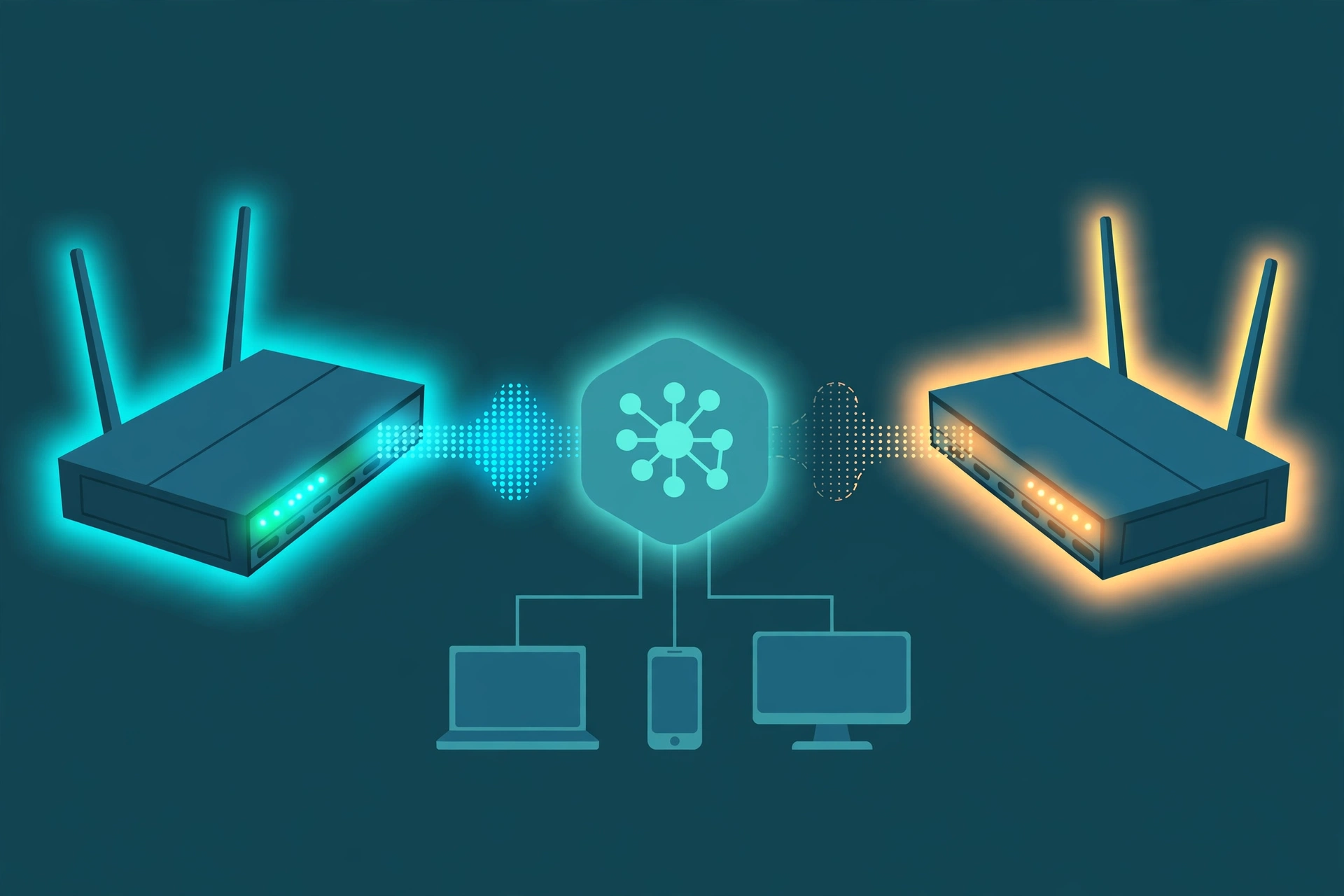
What does HSRP flapping mean? Two routers share one virtual gateway address. One is Active and answers for it; the other is Standby and listens for the Active router's hello messages. With the default timers the Active sends a hello every 3 seconds and the Standby waits 10 seconds — the hold time — before deciding the Active is gone. If hellos stop arriving for longer than the hold time, the Standby does its job: it moves to Active and logs %HSRP-4-STATECHANGE. One such message during a real failure is the system working as designed. The same message repeating every few seconds or minutes means the Standby keeps losing the hello path, taking over, then hearing the original Active again and handing the gateway back. Users feel that as random dropouts, frozen sessions and a gateway that will not stay put. Fix the hello path first — flapping is almost never a fault inside HSRP itself.
Picture two lifeguards sharing one chair. Only one sits in it at a time. The one in the chair calls out every few seconds so the other knows the chair is covered. If the calls stop, the second lifeguard climbs up — that is the safe thing to do. Now imagine a noisy pool where the calls keep getting drowned out. The second lifeguard climbs up, hears the first again, climbs down, misses the next call, climbs up again. Nobody is misbehaving; the communication between them is broken. HSRP flapping is exactly that: two healthy routers and a hello path neither can rely on.
What the routers are actually doing
Every router in an HSRP group sits in one of six states: Init (configured but not yet running, often because the interface is down), Learn (waiting to learn the virtual IP from an Active router's hello), Listen (knows the virtual IP but is neither Active nor Standby), Speak (sending hellos and taking part in the election), Standby (next in line) and Active (forwarding for the virtual IP now). In a healthy pair you should see exactly one Active and one Standby, steady, for days. HSRP routers exchange three message types: Hello messages carry priority and state, a Coup is sent when a Standby wants to become Active, and a Resign is sent by an Active router that is giving the role up, for example when it shuts down or hears from a higher-priority peer. A state change by itself is not an error — it is the protocol reporting a handover. The fault is in how often it happens, and why.
With default timers (hello 3 seconds, hold 10 seconds) the Standby tolerates roughly three missed hellos. A gap longer than the hold time — not a single lost packet — is what forces a takeover.
How to read a state-change log sequence
Do not start with configuration. Start with the log, because the pattern separates the causes before you touch anything. Run show logging | include HSRP on both routers and note three things. First, which peer changed: a line like %HSRP-4-STATECHANGE: Vlan10 Grp 1 state Standby -> Active names the interface, the group and the direction — this router was Standby and has just taken over. Second, how often: one pair of changes around a maintenance window or a real failure is a handover; changes every 10 to 30 seconds, all day, are flapping. Third, the timing pattern: changes that line up with busy hours point at congestion or CPU; changes at perfectly regular intervals point at a timer or a scheduled job; changes that coincide with interface up/down messages point at a physical link. Then read both routers' logs together — if the old Active never logged giving up, it never knew it lost the role, which means its hellos were leaving but not arriving, or it was too busy to send them.
The causes, in the order a senior engineer checks them
1. Timer mismatch between the peers. If one router is configured with much shorter timers than the other — say sub-second hellos on one side and defaults on the other — the impatient side declares the other dead far too easily, and aggressive timers on a busy segment flap under ordinary load. HSRP version 2 routers can learn timers from the Active, but a mixed or misconfigured pair can still disagree. Compare the hello and hold values on both peers; they should match.
2. A lossy or congested segment dropping hellos. The most common cause. Hellos are small multicast packets crossing the same VLAN as everything else. A congested link, a spanning-tree reconvergence, a duplex problem or a failing optic can swallow several in a row, and three missed hellos is all it takes at default timers. The routers are fine; the path between them is not.
3. A duplicate address. Another device claiming the virtual IP, or a peer's real interface address, corrupts the picture: ARP answers compete, hellos appear to come from the wrong place, and roles churn. If a duplicate-address warning appears anywhere in the logs, hunt that device before tuning HSRP.
4. A peer rebooting, or its interface flapping. If one router is genuinely restarting, reloading a line card, or bouncing the interface the group lives on, the state changes are honest reports of a real failure. Correlate the state-change times with uptime and interface logs on both boxes.
5. Mismatched priority, preempt, group or authentication settings. Different group numbers, different virtual IPs, or an authentication mismatch mean the peers are not really in the same group at all — each may believe it should be Active. A priority and preempt mismatch is subtler: a higher-priority router with preempt enabled takes the role back whenever it returns, so a sick preferred router can cause a takeover every time it briefly recovers.
6. CPU or load on a peer delaying hellos. A router whose control plane is saturated sends hellos late or not at all even though its interfaces are up. Check CPU history on both peers at the flap times before blaming the network between them.
Checks in order — and what each one rules in or out
Step 1: show standby brief on both routers. This shows, per group, the virtual IP, priority, preempt setting and which router each side believes is Active and Standby. If both routers claim Active at the same moment, they cannot hear each other at all — that rules in a hello-path or group/auth mismatch and rules out a simple timer tweak. If the roles match the design right now, the fault is intermittent and the logs matter more than the current state.
Step 2: show standby on both routers. The long form shows the hello and hold timers each side is using, how long ago the last state change happened, and how many changes there have been. A change counter in the hundreds rules in a standing fault. Different timer values on the two sides identify cause 1 on the spot.
Step 3: Compare the full group configuration on both peers. Group number, virtual IP, priority, preempt, authentication and timers, line by line, on both boxes — never from memory. A mismatch here rules in cause 5; identical clean config pushes you back to the path (cause 2) or the peer itself (causes 4 and 6).
Step 4: Check the interfaces and the path between the peers. show interfaces on the interfaces carrying the group, looking for errors, drops and resets, plus spanning-tree events on that VLAN at the flap times. Rising error counters or reconvergences that match the log times rule in cause 2; a clean path with a sick peer points at causes 4 or 6.
Step 5: Check peer health. Uptime, reload reason and CPU history on both routers. A peer that reloaded at each flap has told you the answer. Treat debug standby with real caution in production: on a busy box, debug output itself adds CPU load and can make hello timing worse — use it briefly, in a quiet window, and turn it off.
The safe fix order
Fix in this order, and change one thing at a time. First, repair the hello path — the congested link, the spanning-tree instability, the bad optic — because no timer setting makes a broken path trustworthy. Second, align the configuration on both peers: same group, virtual IP, authentication and timers, with priority and preempt set deliberately to match the design. Third, deal with the peer itself if it is rebooting or CPU-bound; a gateway role cannot be stable on an unstable box. Warning: changing timers, priority or preempt on a live group can itself force a failover, because the peers re-run the election under the new settings. A brief failover is usually a few seconds of disruption, but on a gateway carrying production traffic, make these changes in a window, one peer at a time, and watch show standby brief settle after each change. Do not lengthen timers just to hide flapping — longer hold times mask the symptom while making real failovers slower.
Verify, then prevent the next flap
Verify like a sceptic: the state-change counter in show standby stops rising, no new %HSRP-4-STATECHANGE lines appear over a full busy period — not just five quiet minutes — the designed router holds Active, and a real host flow through the virtual gateway survives a test failover and failback if you perform one in a window. Prevention is mostly hygiene: keep timers matched and no more aggressive than the segment can honestly support, keep the hello path clean and uncongested, monitor the state-change counter rather than waiting for user reports, and record the intended Active, priority and preempt design where the next engineer on call can find it. For the message itself — what each field in the log line means — see the companion decoder entry for %HSRP-4-STATECHANGE. For how HSRP compares with the other first-hop redundancy protocols, see HSRP vs VRRP vs GLBP Explained.
Try it yourself
When two gateway routers may have drifted apart in configuration, run both ends' configs through the free Network Config Verifier and compare what it flags on each side — a timer, priority or authentication mismatch is far easier to spot side by side than from memory mid-incident. If the addressing itself is in doubt, the free Subnet Calculator confirms the virtual and real addresses really belong in the same subnet. And when the question is the pair itself — will it actually fail over? — paste both gateways into the free FHRP Pair Failover Simulator & Checker, which checks the agreement of the pair and plays the failover step by step.
Fact-check sources: default hello 3 seconds and hold 10 seconds, the six HSRP states (Init, Learn, Listen, Speak, Standby, Active), the Hello, Coup and Resign message types, hellos on UDP port 1985, and default priority 100 with preempt off by default — Cisco HSRP documentation and RFC 2281, cross-checked against this site's Error Decoder entry for %HSRP-4-STATECHANGE and the site's HSRP vs VRRP vs GLBP guide. The decoder entry's causes (peers intermittently unable to hear each other's hellos, an overloaded Active missing hellos, spanning-tree events cutting the hello path, timers set too aggressively) match causes 2, 4 and 6 and the timer warning above.
Related guides
- HSRP flapping means the Standby router keeps losing the Active router's hellos for longer than the hold time — 10 seconds by default, against hellos every 3 seconds — so it takes the gateway over, then hands it back when hellos return. One %HSRP-4-STATECHANGE during a real failure is the design working; the same message repeating is a broken hello path, a mismatched configuration, or a sick peer.
- Read the log sequence before changing anything: which peer changed, how often, and with what timing pattern. Changes at busy hours point at congestion or CPU, perfectly regular changes at timers or scheduled events, and changes matching interface messages at a flapping link. If the old Active never logged giving up, its hellos were leaving but not arriving.
- The causes in senior working order are: timer mismatch between the peers, a lossy or congested segment dropping hellos, a duplicate address claiming the virtual or a peer address, a peer rebooting or its interface flapping, mismatched priority, preempt, group or authentication settings, and CPU load delaying hellos on a peer.
- Changing timers, priority or preempt on a live group can itself force a failover. Fix the hello path first, align the group configuration on both peers second, and make role-affecting changes in a window, one peer at a time, watching show standby brief settle after each change. Never lengthen timers just to hide flapping — that masks the fault and slows real failovers.