Loop-Back Detected Explained: Why a Switch Disables Its Own Port
A Cisco switch quietly sends itself small keepalive frames out of its ports. If one of those frames comes back in on the very port that sent it, something out there is looping the wire back on itself — a patch cable with both ends in the same switch, two wall jacks joined by a stray lead, or a far-end device reflecting frames. The switch logs %ETHCNTR-3-LOOP_BACK_DETECTED and forces the port to stay in err-disable state rather than let a loop copy traffic endlessly into a broadcast storm. This guide explains the test frame by frame, the physical causes in the order to trace them, and why the fix is finding the loop — never just silencing the alarm.
The short answer
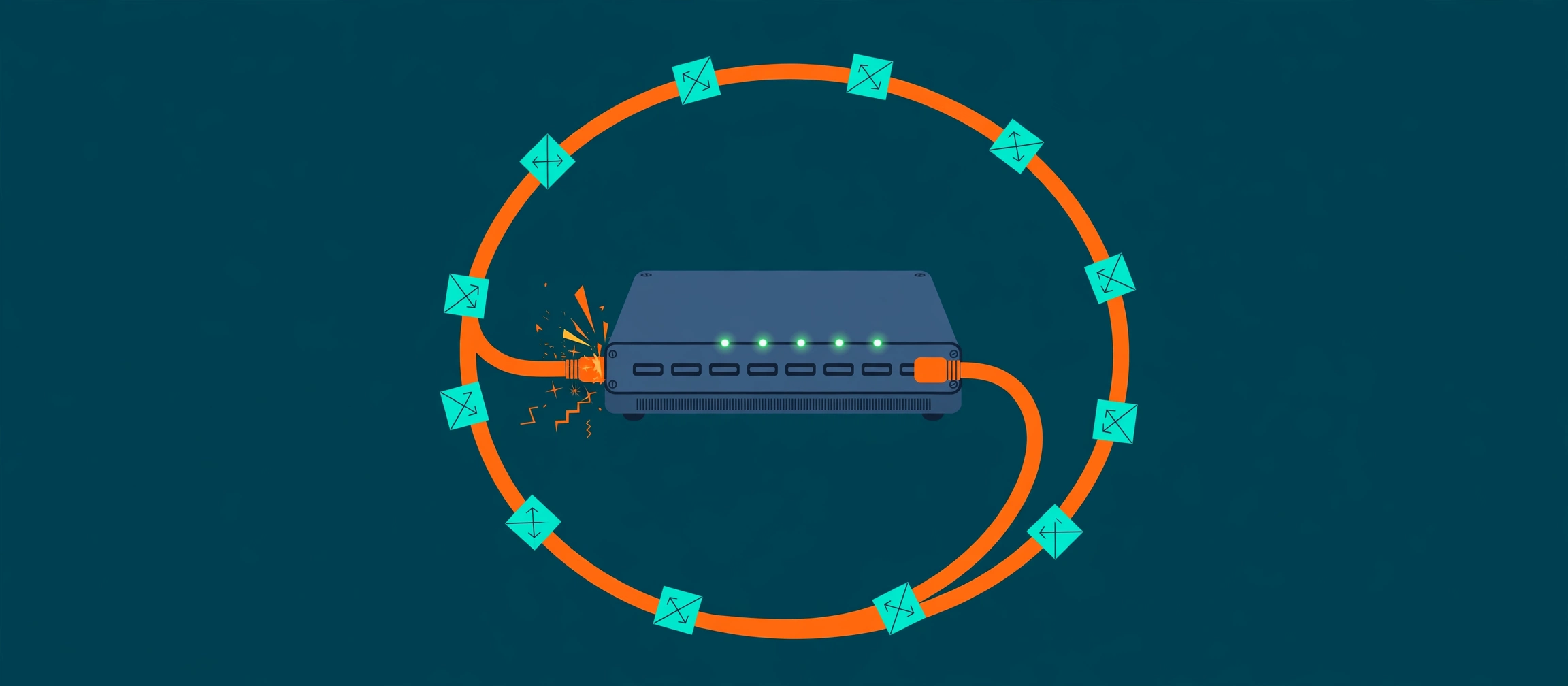
What does loop-back detected mean? Your switch sends itself a small test frame — a keepalive — out of a port, addressed to itself. Normally that frame travels out and is never seen again, or reaches a neighbour and stops. If the same frame comes back in on the same port that sent it, the wiring beyond that port must form a loop: the frame left, travelled around, and returned to its starting point. The switch logs %ETHCNTR-3-LOOP_BACK_DETECTED: Loop-back detected on GigabitEthernet1/0/10. The port is forced to stay in errdisable state and shuts the port down on purpose. It is not being cautious about a suspicion — it has positive proof of a loop, delivered by its own frame, and a loop left open is one of the few faults that can take down an entire LAN in seconds.
Picture posting yourself a letter as an address check. If the letter lands back in your own mailbox with your own handwriting on it, the postal route from your door leads back to your door — somewhere the path is a circle. You would not keep posting letters into a circular route and hope for the best; you would stop, and go and find where the route bends back. The keepalive is that test letter, the returning frame is the letter in your own mailbox, and err-disable — the switch switching the port off and keeping it off — is the decision to stop posting until the circle is broken.
The test, frame by frame
Cisco's errdisable recovery document describes the mechanism plainly: a loopback error occurs when the keepalive packet is looped back to the port that sent the keepalive. The switch sends keepalives out its interfaces by default, and a device — or a wiring path — can loop the packet back to the source interface, which usually means there is a logical loop in the network that spanning tree has not blocked. The source interface receives its own keepalive, and the switch disables the interface. That last clause matters: this detector exists precisely for the loops spanning tree misses. Spanning tree watches for loops between switches that speak its language; a loop made by a dumb device, a mis-patched panel or a cable plugged into itself may carry no spanning-tree frames at all, so nothing blocks it. The keepalive test needs no cooperation from anything beyond the port — the frame either comes home or it does not.
The frame is the evidence. It was addressed to the switch itself, sent out of one port, and received back on that same port — there is no innocent path that does that.
Why the switch shuts the port instead of just logging it
Because at Layer 2 — the switching layer — a loop is not a nuisance, it is an amplifier with no off switch. A broadcast frame entering a loop is forwarded out of every path, arrives back, and is forwarded again, forever: Layer 2 frames carry no hop counter to expire them, the way IP packets do. Each pass copies the traffic again, link lights go solid, and within seconds the segment is carrying nothing but endless copies of its own broadcasts — a broadcast storm that starves every device on it. Cisco's errdisable document states the feature's purpose in general terms that fit this case exactly: when software detects an error condition on a port, it shuts the port down; an err-disabled port sends and receives no traffic, and its LED turns orange. For loopback, the message adds the words forced to stay in errdisable state — the port will not quietly retry while the loop is still out there. One desk, one printer, or one patch lead loses its connection. The other few hundred ports keep working. That is the trade the switch is making, and it is the right one.
The four causes, in the order to trace them
The site's decoder entry for %ETHCNTR-3-LOOP_BACK_DETECTED lists the causes engineers actually find, and every one of them lives in the physical world — which is why this fault is fixed with your feet and your eyes before it is fixed with commands.
1. A patch cable with both ends in the same switch. The classic rack-cleanup accident: during a tidy-up or a move, a loose lead gets plugged into the nearest free port at both ends. The keepalive leaves one port, crosses the lead, and re-enters the switch — and if the second port is the one that sent it via an internal path, or the loop closes through the switch itself, the detector fires. Loops usually involve two ports, so check whether a second port shows the same state.
2. Two wall jacks connected to each other. Out in user land: someone in a conference room joins two floor or wall outlets together with a stray cable — tidying, testing, or trying to make a dead jack work. The loop is now at the far end of two structured cabling runs, invisible from the wiring closet until you trace both runs to the same room.
3. A far-end device reflecting frames back. A media converter, an unmanaged mini-switch, or a mis-wired panel that simply turns frames around. The device does not know it is creating a loop — it has no spanning tree and no loop detection of its own — which is exactly the class of loop this detector was built to catch.
4. A damaged cable or a bad patch-panel termination. Crushed pairs, a punch-down that shorts conductors, a lead damaged behind a desk. Rarest of the four, and the one you reach after the first three come back clean — swap the lead and re-terminate the panel port before suspecting the switch.
None of the four is a configuration error on the switch that reported it. The switch is the witness, not the culprit — the loop is out on the wire.
Checks, in order — confirm, look for the footprint, then walk
Step 1 — confirm the port and the reason. Run show interfaces status err-disabled. It lists the port and the loopback reason, and — just as valuable — whether a second port shows the same, which points straight at cause 1 or 2: loops usually involve two ports. Cisco's document gives the companion commands for the wider picture: show interfaces <interface> status shows the err-disabled state, and if errdisable recovery is enabled, show errdisable recovery shows the cause reported for the interface; show errdisable detect shows which causes detection is armed for.
Step 2 — look for the loop's footprint in the MAC table. Run show mac address-table for the affected VLAN. A loop leaves a signature no healthy network produces: one MAC address appearing on two ports, or the same address moving rapidly between ports as its frames arrive by both paths in turn. That flapping address is often the device sitting beyond the loop, and the two ports it bounces between are the two ends of your search.
Step 3 — physically trace the cable. Follow the patch lead at both ends before changing any configuration. Check the switch's own patch field first (cause 1), then where the structured cabling lands (cause 2), then what is actually plugged in at the far end (cause 3). This fault lives in the physical world; the engineer who walks it finds it faster than the engineer who reconfigures around it.
The fix — remove the loop, then re-enable, then watch it settle
Find the loop and remove it: unplug the stray cable, correct the panel patching, or take the reflecting device out of the path. Only then re-enable the port with shut followed by no shut under the interface. Production note: re-enabling a port whose loop is still present simply re-opens the storm path — the keepalive will catch it again and the port will err-disable again, but the broadcasts already in flight in the meantime are real traffic pain for everyone on the VLAN. Remove first, re-enable second, in that order, every time. Then verify properly: watch the MAC address table settle until each address sits on exactly one port and stays there, confirm the port stays up over the following minutes, and check the log for a fresh loop-back message. If the port err-disables again, the loop is still out there — a second stray cable, or the other end of the same one — and the trace resumes, now with a shorter list.
The trap: disabling keepalives silences the alarm, not the loop
Every frustrated search for this message eventually lands on the suggestion to type no keepalive on the interface. Be clear about what that does. Cisco's own tech note, quoted in its community, gives the workaround honestly: disabling keepalives prevents the interface from being err-disabled — and, in the same breath, it does not resolve the root cause of the problem. The loop is still there, still copying broadcasts; you have simply dismissed the one witness who was shutting it down. There is a narrow historical exception — very old releases sent keepalives by default on fibre and uplink ports where neighbours could reflect them innocently, and later releases stopped doing that by default — but on a modern access port, a returning keepalive means a real loop until you have physically proved otherwise. The same logic applies to the wider err-disable family covered in BPDU Guard and PortFast Explained and the err-disabled case playbook: the shutdown is information plus protection, and the professional response is to use the information, not disable the protection. If loops keep appearing in user areas, the durable answer is the decoder's: keep loop detection and BPDU Guard enabled on access ports, and treat each event as a facilities ticket — a cable to find — not a nuisance alarm to mute. Pair that with the spanning-tree side of loop defence in VLANs, Trunks, and Spanning Tree and the unidirectional-link cousin of this fault in UDLD Explained: three different detectors, watching for three different ways a link can lie to you.
Try it yourself
When the log line is what you have, open the decoder entry for %ETHCNTR-3-LOOP_BACK_DETECTED and work its checks in order — confirm the port, read the MAC table's footprint, then trace the cable — and work the full err-disable playbook in the Port Keeps Going Err-Disabled case, where this error is one stop among the ranked causes. To see the switches and links a loop could hide behind before you go walking, map the network from its own configurations with the free Config-to-Topology Mapper, and check a pair of switch configurations for the mismatches that create loop-prone patching with the free Network Config Verifier.
Fact-check sources: the loopback error definition (a loopback error occurs when the keepalive packet is looped back to the port that sent it; the switch sends keepalives out its interfaces; a device looping the packet back usually indicates a logical loop spanning tree has not blocked; the receiving interface is disabled), the err-disabled port behaviour (no traffic sent or received, LED orange, status shown by show interfaces status), the show errdisable recovery and show errdisable detect commands, and errdisable support on Catalyst switches running IOS and IOS XE — Cisco, Recover Errdisable Port State on Cisco IOS Platforms, opened and read in full this run. The keepalive defaults history (sent on all interfaces by default in 12.1EA-based software; not sent by default on fibre and uplink interfaces in 12.2SE-based software and later) and the warning that disabling keepalives prevents the err-disable but does not resolve the root cause — Cisco tech note 06cd87b, as quoted in Cisco Community. The %ETHCNTR-3-LOOP_BACK_DETECTED sample message (GigabitEthernet1/0/10, port forced to stay in errdisable state), its meaning, its four causes (same-switch patch cable, two wall jacks joined, far-end reflecting device, damaged cable or bad panel termination), its checks in order (show interfaces status err-disabled; show mac address-table; physical cable trace) and its fix (remove the loop, shut / no shut, watch the MAC table settle; keep loop detection and BPDU Guard on access ports) are quoted from the site's own decoder entry, sourced from Cisco's errdisable recovery documentation.
Related guides
- A loopback error happens when a keepalive frame a switch sent out of a port is looped back to that same port. Cisco's errdisable documentation puts it in one sentence: the switch sends keepalives out its interfaces, a device or a loop in the network returns the packet to the source interface, and the switch disables that interface.
- The shutdown is the protection working, not a second fault. A Layer 2 loop left open copies frames endlessly — broadcasts have no expiry counter at Layer 2 — and can drown the whole LAN in a broadcast storm within seconds. Err-disabling the port trades one dead port for a live network.
- The causes are physical, in this order: a patch cable with both ends in the same switch, two wall jacks connected to each other by a stray cable, a far-end device such as a media converter or unmanaged switch reflecting frames back, or a damaged cable or bad patch-panel termination. The fix is to find and remove the loop, then re-enable the port with shut / no shut and watch the MAC table settle.
- Disabling keepalives with no keepalive stops the port being err-disabled but does not remove the loop — Cisco's own workaround note says exactly that. It silences the smoke alarm while the fire keeps burning, and it removes the detection that would catch the next loop on that port.