Port Security Explained: The Guest List on Every Switch Port
Port security turns a switch port into a guest list. The port learns — or is told — which hardware addresses are allowed to use it, and anything else that shows up is a violation. What happens next is a choice you make in advance: silently drop the stranger (protect), drop and report them (restrict), or shut the whole port down and log %PORT_SECURITY-2-PSECURE_VIOLATION (shutdown, the default). This guide explains the three ways an address gets on the list, the three violation modes side by side, and how to recover a shut-down port without just opening the door to everyone.
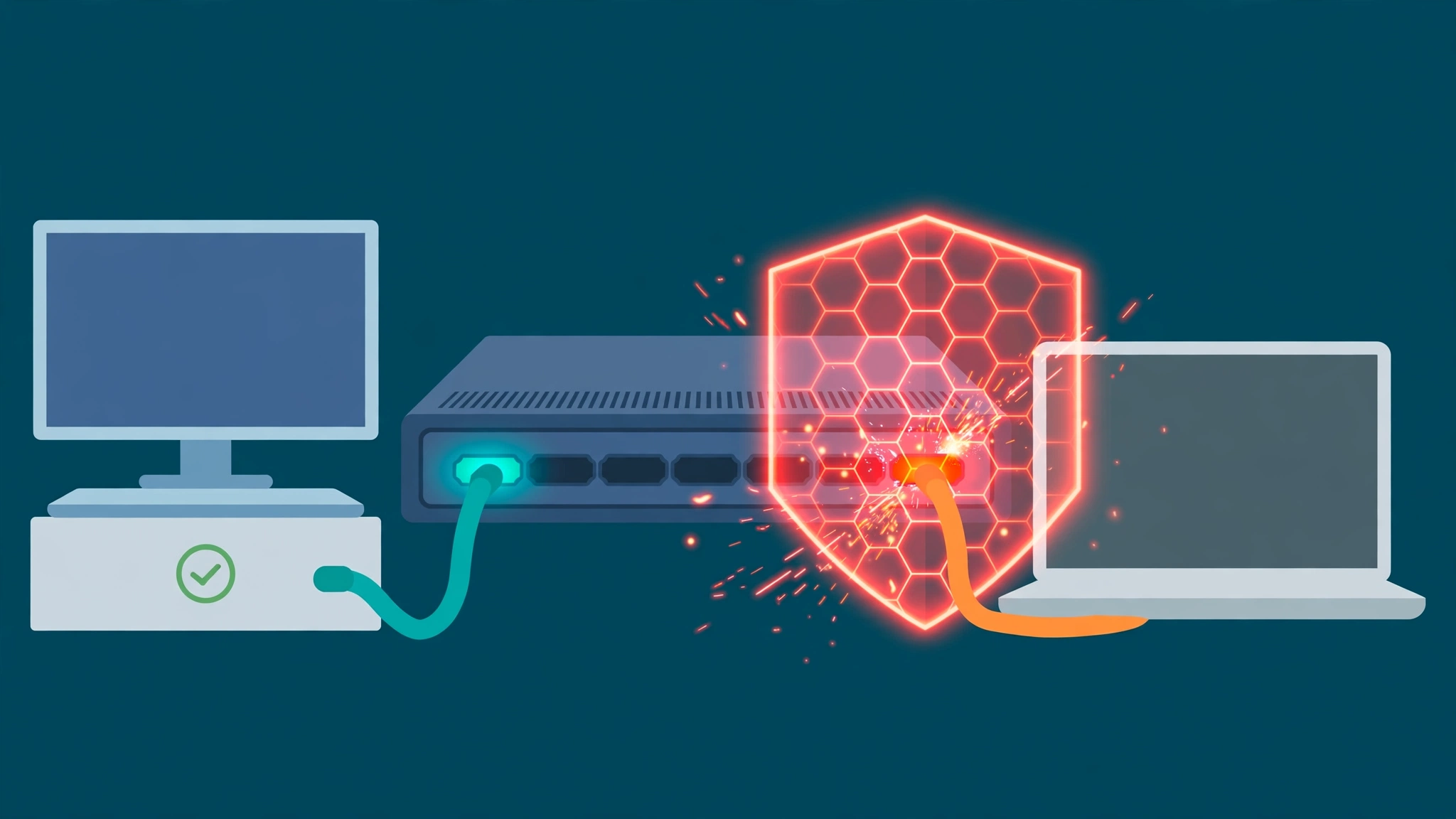
The short answer
What is switch port security? It is a feature that limits which devices may use a switch port, judged by their MAC address — the hardware address burned into every network adapter. You (or the switch itself, learning as it goes) build a short list of allowed addresses for the port. If a frame arrives from an address that is not on the list after the list is full, that is a security violation, and the port responds the way you configured it to: drop the stranger quietly, drop the stranger and report it, or shut the entire port down and log %PORT_SECURITY-2-PSECURE_VIOLATION. Port security does not prove who a device is — a MAC address can be copied — but it stops casual plugging-in cold, and it makes every unapproved device announce itself.
Think of a small venue with a guest list at the door. The list is short — often a single name. If your name is on it, you walk in and nobody thinks about it again. If it is not, one of three things happens, and the venue chose which long before you arrived: the doorman quietly turns you away and tells nobody (protect), turns you away and radios the office with your description (restrict), or closes the venue until a manager comes down to sort it out (shutdown). Most real-world port-security tickets are not attacks. They are the third option meeting an ordinary Tuesday: someone got a new PC, and the guest list still names the old one.
Why a guest list, when anyone can copy a name?
Be honest about what port security is and is not. It is not strong authentication: a MAC address travels in plain sight on every frame, and a determined attacker can set their adapter to copy an approved one. Networks that need real identity use 802.1X, which checks credentials before the port opens at all. What port security does well is different, and it is why it is everywhere: it stops the everyday chaos. The personal laptop plugged into a wall jack 'just to charge-check email'. The small desktop switch someone adds to get more ports, quietly extending your network by five unlisted devices. The replacement printer installed on a Friday that takes a desk offline on Monday because nobody updated the list. Port security converts all of those silent changes into a visible event with a log line, a port number and the offending address in it — %PORT_SECURITY-2-PSECURE_VIOLATION: Security violation occurred, caused by MAC address 001a.2b3c.4d5e on port GigabitEthernet1/0/12 — which is the message in the site's decoder entry for %PORT_SECURITY-2-PSECURE_VIOLATION.
The list itself is simple; the engineering is in the response. The same unlisted laptop costs nobody anything in protect mode, costs a log line in restrict mode, and costs the approved desktop its connection in shutdown mode.
Three ways an address gets on the list
Static addresses are typed in by hand with switchport port-security mac-address 001a.2b3c.4d5e. They are stored in the address table and in the running configuration, so they survive a restart if the configuration is saved. Static is precise and auditable — and it is the mode that generates the classic ticket, because every hardware swap, every replaced phone or printer, is a configuration change somebody has to remember to make.
Dynamic addresses are learned by the switch itself: the first device (up to the port's maximum) that sends traffic becomes allowed. They live only in the address table and are removed when the switch restarts. Dynamic learning is effortless to deploy and deliberately forgetful — after a reboot, the list rebuilds from whoever shows up first, which is either a convenience or a hole, depending on your threat model.
Sticky learning is the middle path most access networks settle on. Enable it with switchport port-security mac-address sticky and the switch converts what it learns into sticky secure addresses, writing them into the running configuration as if you had typed them. One honest catch, straight from Cisco's documentation: sticky addresses are added to the running configuration, but they do not automatically become part of the startup configuration — save the configuration and they survive a restart as a fixed list; forget to save, and they are lost with the reboot. Turn sticky learning off again and those addresses convert back to dynamic and leave the configuration. Sticky's real-world shape: deploy day is automatic, day two onwards the list is frozen — which is exactly why a swapped PC still trips a violation on a sticky port, and why that is the feature working, not failing.
The defaults are strict — and the phone on the desk breaks them
Out of the box on Cisco Catalyst switches: port security is disabled on a port until you enable it, sticky learning is disabled, the maximum is one secure MAC address per port, the violation mode is shutdown, and port-security aging is disabled. That combination — maximum one, shutdown on violation — is safe on a port that truly serves one device, and a trap on the most common desk setup in the world: an IP phone with a PC plugged in behind it. The phone is one address and the PC is another, so Cisco's own guidance is to set the maximum to at least two on a voice-VLAN port — one for the phone, one for the single PC behind it, more only if more PCs genuinely hang off that phone. Leave the maximum at one on a phone port and the second device to speak triggers a violation and, in the default mode, shuts the port down: phone and PC both dead, one log line, one confused user. Most 'port security is too fragile for us' stories are this one arithmetic mistake, not the feature.
Protect, restrict, shutdown: pick the response before the stranger arrives
A violation happens in exactly two situations: the port's secure-address maximum has been reached and a station whose address is not in the table tries to use the port — or an address secured on one port appears on a different secure port in the same VLAN (the device was moved, or someone is spoofing it). What happens next is the mode you set with switchport port-security violation:
Protect drops frames from unknown source addresses until the count falls below the maximum again — and tells you nothing. No syslog message, no SNMP trap, no violation counter. The approved device never notices; neither do you. Protect is the quietest mode and the blindest: a port can reject strangers for months and leave no evidence it ever happened.
Restrict drops the same frames, but reports the event: an SNMP trap is sent, a syslog message is logged, and the violation counter increments. The port stays up and the approved device keeps working. For most user-facing access ports this is the balanced choice — the stranger gets nothing, the legitimate user loses nothing, and you get the evidence trail protect throws away. It is also the mode the site's decoder entry points to when shutdown keeps taking desks offline.
Shutdown — the default — treats the violation as a reason to close the port entirely: the interface goes err-disabled immediately and its LED goes off. Nothing on that port works, approved device included, until recovery. That is the strongest containment and the loudest failure, and it is why shutdown belongs on ports where an unlisted device is a genuine incident (a wiring closet, a lab bench, a port in a public space) and earns its tickets on ordinary desks. A per-VLAN variant, shutdown vlan, err-disables only the VLAN the violation occurred on instead of the whole port. Whichever mode you choose, choose it on purpose per port class — inheriting the shutdown default everywhere by accident is how a security feature becomes a helpdesk denial-of-service.
What %PORT_SECURITY-2-PSECURE_VIOLATION is telling you
The message names the two facts you need: the offending MAC address and the port. The decoder lists the causes engineers actually find, in order: a different device was plugged in — a personal laptop, or a new PC replacing the old one; a small desktop switch or hub was added, so the port suddenly sees many addresses where the list allows one or two; or the approved device was replaced — new printer, new phone — and nobody updated the list. Read the message as the guest list working, then work out which of the three you have. Two checks, in the decoder's order: show port-security interface Gi1/0/12 shows the last address seen, the allowed addresses and the violation count — one violation with a new address is a swap; a climbing count is something still trying. And show mac address-table interface Gi1/0/12 shows what is actually connected now, before you clear anything — evidence first, recovery second.
The fix, in order — approve the device first, re-enable last
Step 1 — decide whether the new device belongs. This is an approval question, not a technical one. If the address in the log is a stranger's laptop in a space it should not be, the fix is removing it, not editing the list. If it is the user's replacement PC, the device is approved and the list is what is stale.
Step 2 — update the list, not the door. For an approved swap: replace the old secure address with the new one, or raise the maximum if the port legitimately serves more devices now (the phone-plus-PC case). On a sticky port, remove the stale sticky line for the old address so the switch can learn and stick the new one. What you must not do is the tempting shortcut — turning port security off on the port to make the ticket close. The next unlisted device will not announce itself at all.
Step 3 — recover the port, then watch. In shutdown mode the port stays err-disabled until you bring it back: manually with shutdown / no shutdown, or automatically by configuring errdisable recovery cause psecure-violation — automatic recovery is a considered choice, because a still-connected violator will simply trip the port again each cycle. Fold the event into your normal err-disable routine alongside the other causes in the port err-disabled troubleshooting case: the reason string is the diagnosis, and psecure-violation is one of its clearest. If the same desk trips repeatedly, that is the restrict conversation: same list, same drop, no outage — move that port class to restrict rather than training users that the network randomly dies.
Where port security fits — and where it does not
Port security can only be configured on static access ports or trunk ports — a secure port cannot be a dynamic access port, a SPAN destination, a routed port or an EtherChannel member — so it belongs on the access edge, which is where unlisted devices physically appear. Pair it with its neighbours honestly: BPDU Guard answers a different question on the same desk port ('did a switch-like device just appear?') by watching for BPDUs rather than addresses, and the two together cover most of what a rogue desk device can do. And keep the limit in view: port security counts addresses, it does not authenticate people or devices — for that, 802.1X is the real answer, and port security is the simpler, older tool that still earns its place wherever 802.1X is not deployed.
Try it yourself
Review a switch configuration for edge-port coverage before an unlisted laptop does it for you with the free Network Config Verifier — paste the access switch's config and check which ports carry port-security settings, maximums and violation modes — and map which device connects where with the free Config-to-Topology Mapper, so you know which ports are really single-device edge ports and which quietly serve a phone, a PC or a desktop switch. And when the log line is what you have, open the decoder entry for %PORT_SECURITY-2-PSECURE_VIOLATION and work its checks in order — read the allowed list, look at what is connected, approve or remove the device, re-enable last.
Fact-check sources: port security's purpose (restricting input to an interface by limiting and identifying the MAC addresses allowed to access it; a port does not forward packets with source addresses outside the defined group), the two violation conditions (maximum reached and an unlisted station attempts access; a secure address seen on another secure port in the same VLAN), the three secure-address types (static: manually configured, stored in the address table and added to the running configuration; dynamic: dynamically configured, stored only in the address table and removed on restart; sticky: dynamically learned or manually configured, stored in the address table and added to the running configuration, surviving restart only if saved to the configuration file, and converted back to dynamic if sticky learning is disabled), the three violation modes and their actions (protect: unknown-source packets dropped, no notification; restrict: dropped, with SNMP trap sent, syslog logged and violation counter incremented; shutdown: interface err-disabled and shut down immediately, port LED off, recoverable via errdisable recovery cause psecure-violation or manually by shutdown / no shutdown — the default mode; shutdown vlan err-disables only the offending VLAN), the defaults (port security disabled, sticky learning disabled, maximum one secure address per port, violation mode shutdown, aging disabled), the voice-VLAN guidance (set the maximum to two when a Cisco IP phone is connected — one address for the phone, one for a single PC behind it), and the configuration restrictions (static access or trunk ports only; not on dynamic access, SPAN destination, routed or EtherChannel ports) — Cisco Security Configuration Guide, Cisco IOS XE 17.14.x (Catalyst 9200), Port Security chapter, read in full this run. The %PORT_SECURITY-2-PSECURE_VIOLATION sample message (MAC 001a.2b3c.4d5e on GigabitEthernet1/0/12), its three listed causes, its two checks (show port-security interface; show mac address-table interface) and its restrict-mode suggestion are quoted from the site's own decoder entry, sourced from Cisco IOS port security documentation.
Related guides
- Port security restricts a switch port by the MAC addresses allowed to use it. A frame arriving with a source address that is not on the port's secure list — once the port's maximum number of secure addresses is reached — is a security violation, and so is a secure address learned on one port appearing on a different secure port in the same VLAN.
- Secure addresses arrive three ways: static (typed in by hand and stored in the running configuration), dynamic (learned by the switch, kept only in the address table and lost on restart), and sticky (learned like dynamic addresses, then written into the running configuration — they survive a restart only if that configuration is saved).
- The defaults are strict: port security is off until enabled, sticky learning is off, the maximum is one secure MAC address per port, and the violation mode is shutdown. A desk port serving an IP phone with a PC behind it legitimately needs a maximum of at least two — one for the phone, one for the PC.
- The three violation modes differ in noise and blast radius. Protect drops the stranger's frames silently — no log, no counter. Restrict drops them too but logs a syslog message, sends an SNMP trap and increments the violation counter, while the approved device keeps working. Shutdown err-disables the whole port at once: nothing on that port works until an engineer recovers it, which is why it is both the safest and the most ticket-generating choice.