vPC Peer-Link and Keepalive Failure Explained: What Actually Breaks
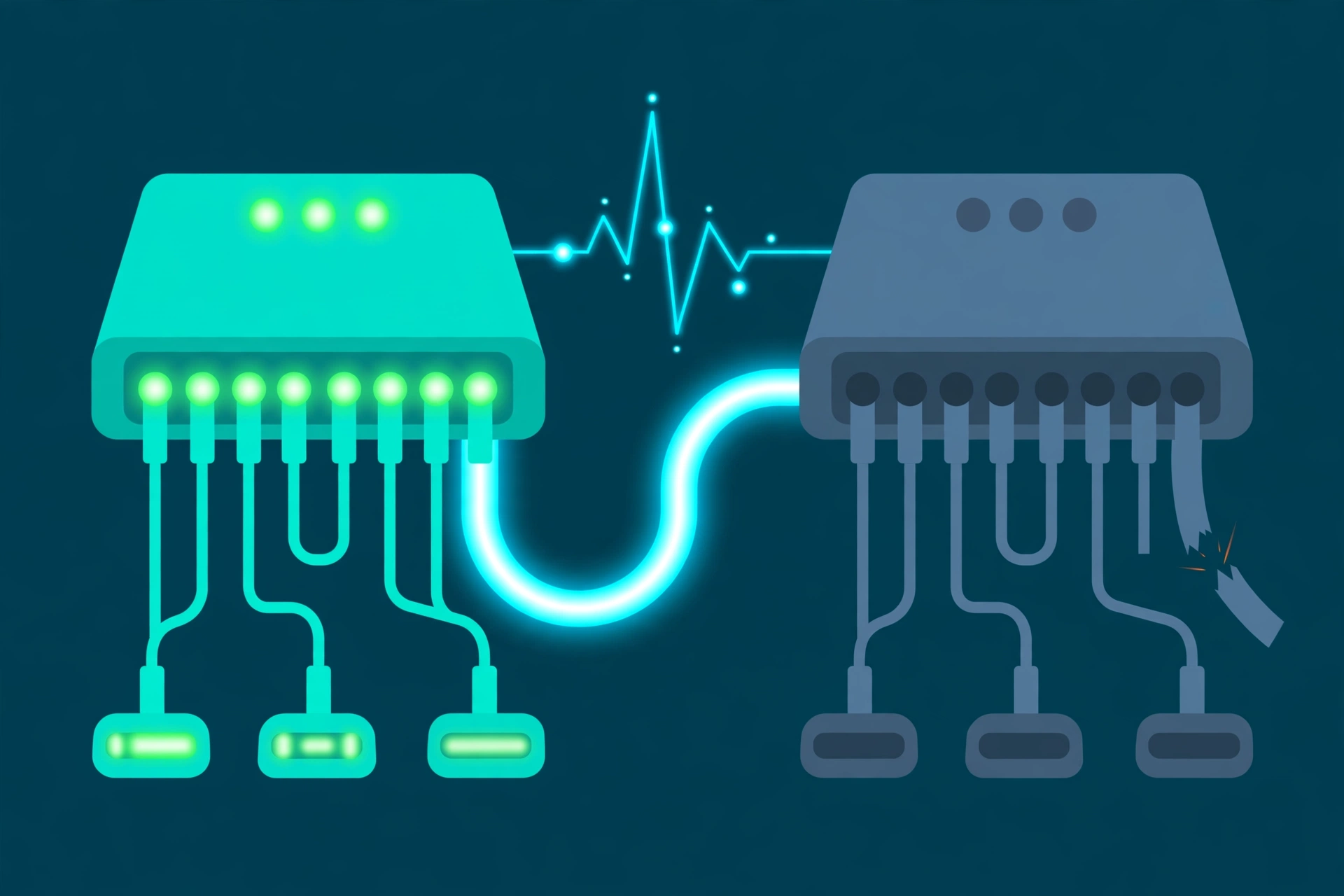
A Cisco Nexus vPC pair has two links between the peers that sound alike and do opposite jobs. The peer-link is the heavy lifter: it synchronises MAC tables, IGMP groups and vPC state, and carries data that must cross between the peers. The peer-keepalive is only a heartbeat on a separate path — it carries no data and synchronises nothing; its one job is to answer, when the peer-link dies, whether the other switch is still alive. That difference decides everything that follows: peer-link down with keepalive up, the secondary suspends its vPC member ports and vPC VLAN SVIs and the primary carries on alone; keepalive down with peer-link up, nothing changes; both down, the result depends on the order they failed — and in one order both switches become operational primary, the dual-active split-brain the design exists to prevent.
The short answer
What breaks when a vPC peer-link or peer-keepalive fails? It depends entirely on which link, and — when both go — on the order. Peer-link down, keepalive up: the operational secondary switch suspends its vPC member ports and shuts down its SVIs for the VLANs on the peer-link, and the primary forwards everything alone. Keepalive down, peer-link up: nothing breaks; forwarding and synchronisation continue normally. Both down: if the peer-link went first, the secondary stays suspended; if the keepalive went first, the secondary promotes itself to operational primary and both switches forward independently — dual-active, or split-brain — with no state synchronisation between them.
Picture two shop managers who must present one shop front. All day they pass each other a shared notebook — stock levels, which customers are at which till — over a wide counter between them. That counter is the peer-link: wide, busy, carrying the real work of staying in sync. Separately, each manager also has a phone line to the other that does nothing except ring once a minute to prove the other is still in the building. That phone line is the peer-keepalive: it carries no stock, no customers, nothing but proof of life. Now the failures make sense. Counter blocked but phone still ringing? The junior manager knows the senior is alive and in charge, so the junior politely closes their tills rather than sell from a notebook that is no longer being updated. Phone line dead but counter open? Nothing changes — they are still passing the notebook. Both gone? The junior has to guess: if the tills were already closed when the phone died, they stay closed; if the phone died first and then the counter blocked, the junior assumes the senior has gone home and reopens as the manager in charge — and now two managers are running one shop from two different notebooks.
First, the two links do different jobs
Most confusion about vPC failures is really confusion about this table. The peer-link is a real data path: CFS synchronisation over it keeps the two peers' MAC address tables, IGMP snooping groups and vPC state consistent, and ordinary traffic crosses it whenever a frame arrives on one peer for a device reachable through the other. The keepalive crosses nothing and syncs nothing. Cisco's vPC design guidance is explicit that the keepalive is mostly used when the peer link is lost — the peers use it then to resolve the failure and decide which device should keep forwarding. It is a referee, not a player, and it must travel a path independent of the peer-link (typically the out-of-band management network), because a referee who dies in the same accident as the players settles nothing.
Same pair of switches, same two cables — the outcome is decided by which link failed, and for the double failure, by which failed first.
Failure 1 — peer-link down, keepalive up: the secondary steps back
This is the failure the design handles most deliberately. The peers can no longer synchronise or exchange data over the peer-link, but the keepalive lets them verify that both switches are alive and healthy. Two live, unsynchronised primaries would be dangerous, so vPC chooses a survivor: the operational secondary brings down its vPC member ports — including, in Nexus 5000 designs, vPC member ports on fabric extenders in straight-through mode — and brings down the SVIs for every VLAN configured on the peer-link, whether or not that VLAN is used on a vPC member port. The primary changes nothing and forwards everything. A dual-homed server or downstream switch loses the members on the secondary and keeps full connectivity through the primary, at half the bundle's bandwidth until the peer-link returns.
Two details catch people out. First, orphan ports stay up: a port that is not a vPC member is not suspended, because it was never presenting the shared identity — though if its VLAN's SVI was on the peer-link, its gateway on the secondary is down with the other SVIs, so design orphan VLANs with that in mind (the vpc orphan-port suspend interface option exists for the specific designs that deliberately want orphans on the secondary to suspend too). Second, the SVI shutdown has one designed escape hatch: an SVI listed with dual-active exclude interface-vlan in the vPC domain stays up on the secondary — used sparingly, for example for a management or routing VLAN that must survive on both peers.
Recovery is automatic. When the peer-link comes back, the peers re-synchronise and the secondary brings its vPC member ports back up. Expect a convergence moment, not a second outage — and verify with the checks below rather than assuming.
Failure 2 — keepalive down, peer-link up: nothing happens (and that is the trap)
If the keepalive path is lost but the peer-link is unchanged, both peers continue operating normally: they still synchronise MAC tables, IGMP entries and vPC state over the peer-link, and no port, SVI or flow changes state. Cisco's guidance says it in one sentence: if connectivity of the peer-keepalive link is lost but peer-link connectivity is not changed, nothing happens.
The trap is treating that as a non-event and leaving it for next month. From the moment the keepalive dies, the pair has no way to distinguish a peer-link failure from a peer death. The keepalive failure itself is harmless; it converts the next failure from a controlled step-back into a coin flip. Treat a dead keepalive with the urgency of a failed backup: nothing is broken yet, and everything depends on it staying that way. Check its path like any other Layer 3 fault — source and destination addresses, the management VRF, and whatever sits between the two mgmt0 interfaces.
Failure 3 — both down: order decides between suspended and split-brain
When both links fail, neither peer can tell a dead partner from two cut cables — Cisco notes the switch cannot discriminate between a peer reload and a combined peer-link and peer-keepalive failure. So the sequence is what matters:
Peer-link first, then keepalive. The secondary already suspended its vPC ports and SVIs while the keepalive was still proving the primary alive. When the keepalive then fails, the secondary keeps those interfaces shut down. The network stays in the safe, single-forwarder state. (One designed exception: with the auto-recovery feature configured, if the primary then genuinely fails, the secondary waits for three consecutive keepalive failures and re-enables its vPCs — auto-recovery exists for the peer-actually-died case, and its reload-delay timer, 240 to 3600 seconds, covers the both-switches-rebooted, only-one-came-up case.)
Keepalive first, then peer-link. Now the secondary loses the peer-link with no referee left. Unable to prove the primary is alive, it does the only safe thing left from its point of view: it assumes the primary is gone, becomes operational primary, and keeps its vPC member ports up. The real primary, of course, is also up and also primary. That is dual-active: existing flows often survive, but the peers cannot synchronise unicast MAC addresses or IGMP groups, so new flows can break, multicast forwarding degrades, and duplicate packet forwarding is possible. Neither switch is faulty — each made the locally correct decision with the information it had.
Recovery needs care. When connectivity is restored, the peers re-form the domain — and note that in a dual-active episode the operational roles can end up swapped relative to the configured priorities (vPC is non-preemptive; restoring the configured primary afterwards means changing a role priority and flapping the peer-link, in a window). Verify roles, do not assume them.
How this differs from a failed consistency check
Engineers meet these failures in the same week and often in the same incident, but they are different mechanisms. A consistency check failure — covered end to end in the companion case, vPC consistency check failed — happens with both links healthy: the peers compare configurations over a working peer-link, find a Type-1 mismatch, and suspend the secondary's affected vPCs. A peer-link failure is the opposite shape: no comparison is possible at all (Cisco notes the consistency check cannot be performed when the peer link is lost), and the suspension is of all vPC member ports on the secondary, not just mismatched ones. If show vpc shows the peer adjacency down, you are in this article; if the adjacency is up and a consistency status is failed, you are in the case.
Checks, in order
Step 1 — establish which links are actually down. Run show vpc on both peers. Read three fields before anything else: the peer status / adjacency, the peer-keepalive status, and the operational role on each switch. That one output sorts you into failure 1, 2 or 3 above.
Step 2 — on a peer-link failure, confirm the designed step-back happened. On the secondary, the vPC member ports should show suspended / down and the vPC VLAN SVIs down; on the primary, everything up. If the secondary did not suspend and the keepalive is also down, you are dual-active — say so plainly in the incident record, because recovery and role verification change.
Step 3 — fix the keepalive first if both are down and the state is safe. Restoring the referee before the peer-link returns the pair to a state where every later move is deterministic. Then restore the peer-link and watch the secondary re-synchronise and unsuspend.
Step 4 — verify like a sceptic. show vpc on both peers: adjacency formed, keepalive alive, consistency status successful, roles as expected (remembering they may legitimately have swapped after dual-active), and a dual-homed test device reachable through both members again.
Design rules that keep these failures boring
Keep the keepalive on a path that shares no cable, module or switch with the peer-link — the management network is the normal choice, and a dedicated point-to-point link is the other honest one; never run the keepalive over the peer-link itself. Build the peer-link as a port-channel with members on different modules where the platform allows, so one module failure is a bandwidth event, not this article. Decide the dual-active exclude interface-vlan list deliberately and document it, rather than discovering it mid-incident. Consider auto-recovery only with its timers understood — it exists for a genuinely dead peer, and its delay is what stands between a reboot race and a second dual-active. And alarm on the keepalive with the same seriousness as the peer-link: the quiet failure is the one that arms the loud one. For the wider comparison of pairing models — when vPC's two independent control planes beat a merged system at all — see vPC vs VSS vs StackWise Explained.
Try it yourself
When the symptom in front of you is the consistency error rather than a dead link, work the companion case in order: vPC consistency check failed. To compare the two peers' configurations for the mismatches that cause Type-1 suspensions, run both configs through the free Network Config Verifier, and to see every link a pair of configs actually describes, map them with the free Config-to-Topology Mapper.
Fact-check sources: peer-link failure behaviour (secondary brings down vPC member ports including FEX straight-through members, brings down SVIs for all VLANs on the peer-link, dual-active exclude interface-vlan keeps a listed SVI up, secondary keeps ports shut if the keepalive fails after the peer-link, consistency check cannot be performed when the peer link is lost), keepalive failure behaviour (nothing happens while the peer-link is unchanged; the keepalive is mostly used when the peer link is lost, to resolve the failure), and the dual-active sequence (keepalive fails first, then peer-link: secondary becomes operational primary; existing flows survive, new flows can be affected because MAC and IGMP synchronisation is lost, duplicate forwarding possible; both peers become operational primary when both links are lost together) — Cisco, Data Center: Nexus vPC Technology design guide (reproduced in Cisco Community threads opened this run) and Cisco vPC best-practices failure-scenario summaries quoted in Cisco Community. Auto-recovery behaviour (three consecutive keepalive failures before re-enabling vPCs when the primary then fails; reload-delay range 240-3600 seconds) — Cisco NX-OS vPC guidance quoted in the same Community threads. Orphan ports remaining up on peer-link failure because they are not vPC members, and the vpc orphan-port suspend option — Cisco Community answer quoting the same Nexus design guide. Role restoration after dual-active (secondary stays operational primary on restore; restoring the configured primary requires a role-priority change plus a peer-link flap) — Cisco Learning Network summary of Cisco NX-OS Software Virtual PortChannel: Fundamental Concepts.
Related guides
- The two links are not backups for each other. The peer-link synchronises state (MAC addresses, IGMP snooping entries, vPC consistency) and forwards cross-peer data. The peer-keepalive is a lightweight Layer 3 heartbeat, normally over the management network on a path that shares nothing with the peer-link, and it is consulted only when the peer-link is lost.
- Peer-link fails, keepalive stays up: the peers prove over the keepalive that both are alive, so the operational secondary protects the network by suspending its own vPC member ports and bringing down the SVIs for VLANs carried on the peer-link (unless an SVI is listed under dual-active exclude interface-vlan). Dual-homed devices keep working through the primary; the secondary's orphan ports — ports that are not vPC members — stay up.
- Keepalive fails, peer-link stays up: nothing happens to forwarding. Both peers keep synchronising over the peer-link and traffic is unaffected. It is still urgent to fix, because the pair has lost its only referee for the next failure.
- Both fail: order decides. If the peer-link failed first, the secondary has already suspended and stays suspended when the keepalive then fails. If the keepalive failed first and the peer-link fails second, the secondary cannot tell a dead peer from a cut cable, so it promotes itself to operational primary — both peers active, no synchronisation, possible duplicate forwarding. That is dual-active, also called split-brain.